Field report · · AgentConn Team
Claude Tag: How the Per-Thread Sandbox Works
Anthropic shipped Claude Tag — an ambient Slack agent with per-channel isolation, access bundles, and ambient mode. Here's the operator setup.
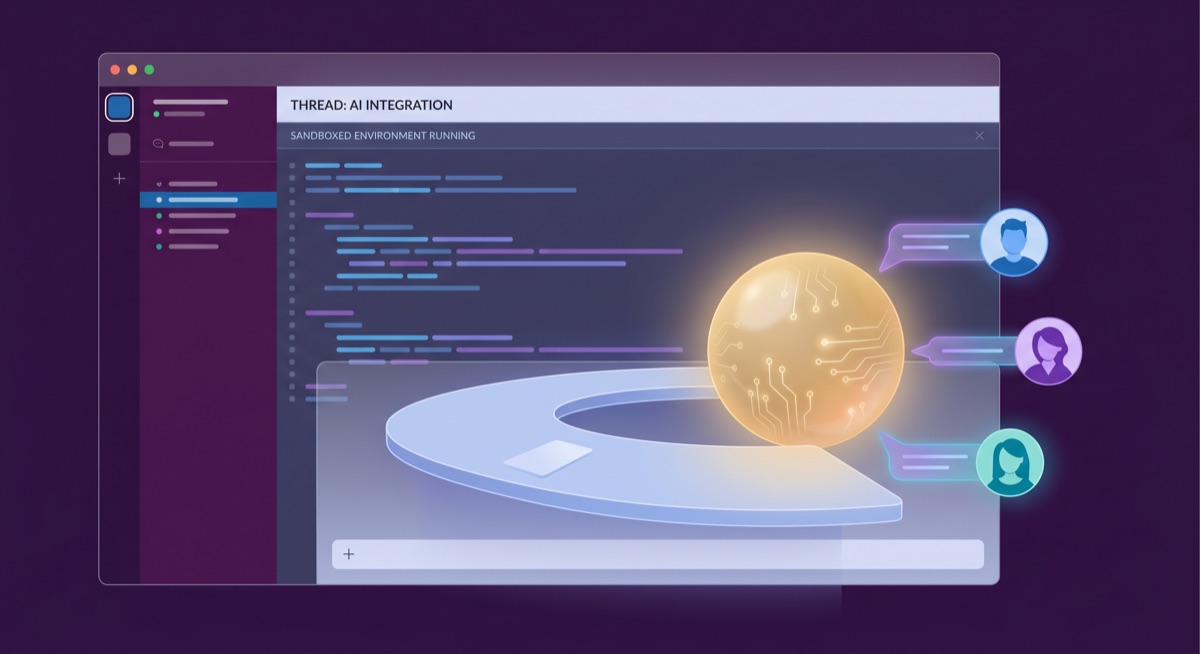
Anthropic just shipped Claude Tag — and it’s not what most people expected from “Claude in Slack.” This isn’t a chatbot bolted onto a messaging sidebar. It’s a persistent, always-on agent that lives in your Slack channels under its own identity, builds context by following conversations, and can act without being asked.
The Hacker News thread hit 237 points and 162 comments in the first ten hours. The reactions split cleanly: operators who build agent systems saw the per-channel isolation model and immediately understood what Anthropic was doing. Everyone else saw “65% of our product team’s code is created by our internal version of Claude Tag” and either got excited or deeply skeptical.
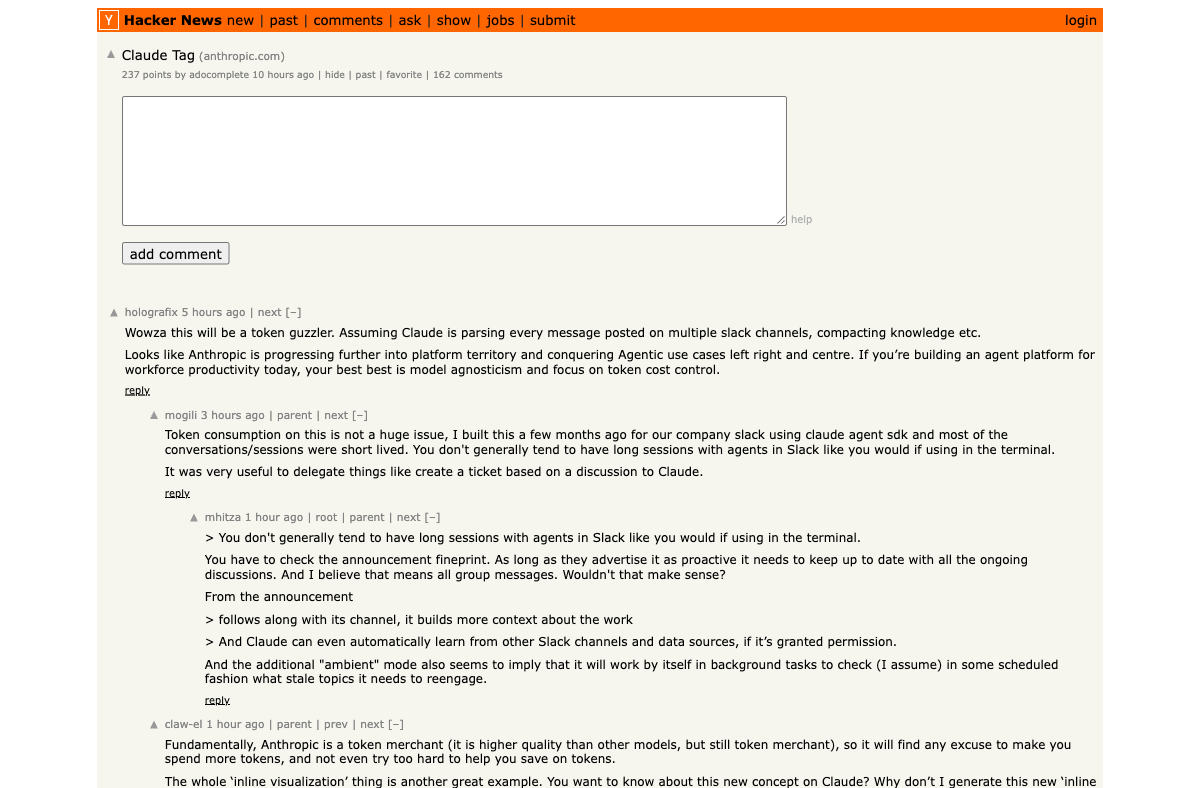
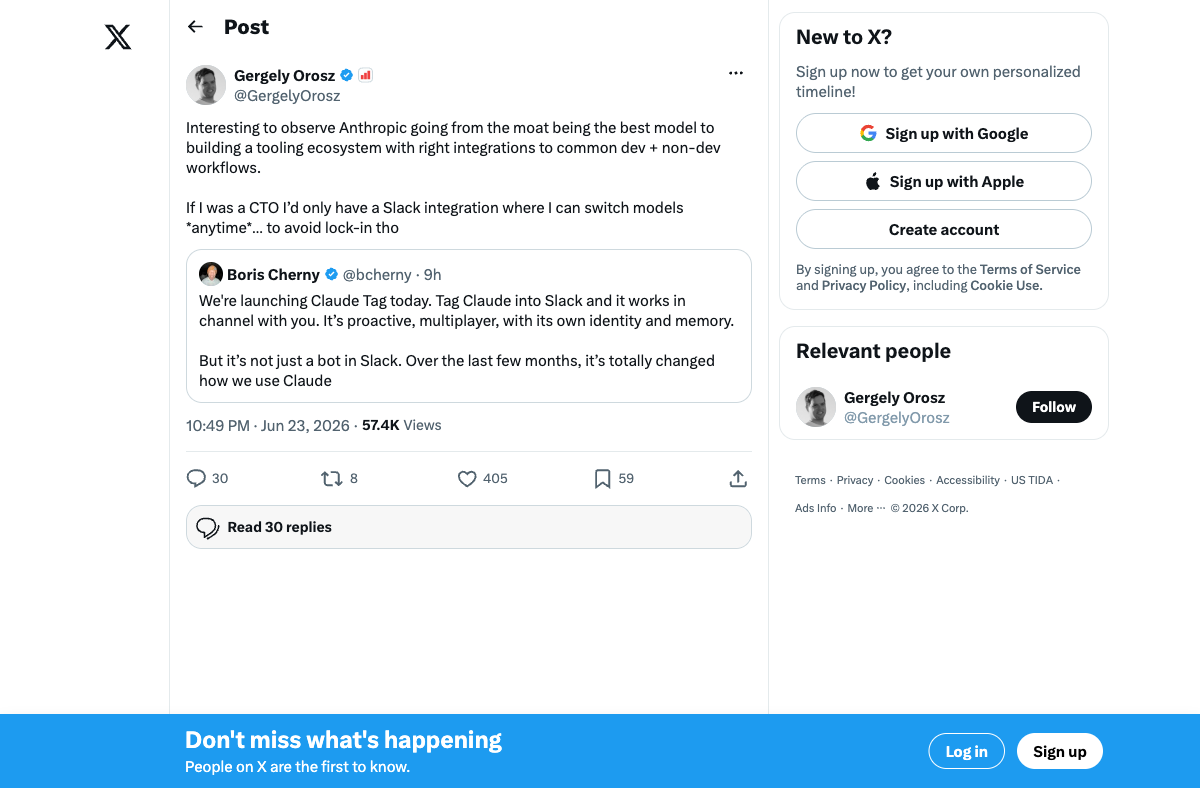
Both reactions miss the real story. Claude Tag is Anthropic’s first serious move from “best model” to “best agent surface” — the platform play that Gergely Orosz flagged immediately: “Interesting to observe Anthropic going from the moat being the best model to building a tooling ecosystem with right integrations to common dev + non-dev workflows.”
This article covers how the sandbox model actually works, what operators need to set up, and where the architecture falls short.
The Multiplayer Model
Every previous Claude integration was single-player. Claude Code runs in one terminal for one developer. Claude on the web serves one conversation thread. Even the old Claude in Slack was essentially DMs with a bot.
Claude Tag flips this. Within a given Slack channel, there’s one Claude instance that interacts with everyone. When you @Claude a task, your teammates see it happening. They can jump into the thread, add context, redirect the work, or pick up where you left off. Claude maintains one shared identity per channel — not per user.
This is architecturally significant. The model runs on Opus 4.8 and maintains memory per channel and per workspace. As Claude follows along with channel conversations, it builds context about the team’s work — who handles what, what projects are active, what terminology the team uses. Admins can view, edit, and delete that memory at any time.
The practical result: Claude in your #engineering channel knows your codebase conventions. Claude in your #sales channel knows your pricing tiers and customer segments. And critically, those two Claude instances never share context with each other.
Operator note: Slack conversations are separate from your Claude web/API history. Nothing Claude Tag sees in Slack appears in your claude.ai console. Platform isolation is enforced at the data layer, not just the UI.
The Three-Level Access Model
This is where Claude Tag gets interesting for operators. Permissions follow a three-level hierarchy:
1. Organization-wide — Credentials and repository access applied everywhere. If you connect your GitHub organization at this level, every Claude instance across every channel can access those repos.
2. Workspace — Access across all public channels. Inherits everything from the organization level, plus any workspace-specific tools or credentials.
3. Private channel — Extra credentials layered on top of workspace grants. A Claude instance in a private #security-incidents channel can have access to your SIEM that no other channel’s Claude can see.
Each level inherits from the one above. An Access Bundle is the named set of credentials, repository grants, plugins, and instructions that Claude uses on behalf of anyone in the channels it covers.
This is the agent-config pattern done right: scoped credentials with explicit inheritance, not a flat permission model where the agent gets everything or nothing.
Ambient Mode
The feature that drew the most HN debate is ambient mode. When enabled for a channel, Claude can act without being tagged:
- Flag relevant updates from across the organization
- Follow up on quiet threads that went unanswered
- Schedule tasks for itself and pursue projects autonomously over hours or days
- Surface information from other authorized channels when relevant
This is optional and admin-controlled. But it transforms Claude from a reactive tool (you ask, it answers) into a proactive agent (it notices something relevant, it surfaces it). For teams that already use Slack as their coordination layer, this means Claude can function as a persistent team memory system that never goes offline.
The HN thread raised valid concerns: token consumption scales with channel activity when ambient mode is on, since Claude processes every message. One commenter noted that “short-lived conversations in Slack” mitigate costs versus terminal usage patterns — but for high-traffic channels, the spend can add up fast.
Operator Setup: Four Steps
Setting up Claude Tag requires an Owner role in your Claude organization (Admins can’t complete it) and a Slack workspace admin to run the pairing command. Here’s the full setup flow:
Step 1: Workspace Pairing
Install the Claude app via the Slack Marketplace, then have your workspace admin run @Claude connect in any channel. This generates a pairing code (valid 15 minutes) that you paste into the setup dialog at claude.ai/admin-settings/claude-tag. Choose between whole-workspace or specific-channel deployment.
Step 2: Access Bundle Configuration Name your access bundle (defaults to “Slack default”) and connect apps using service-account credentials. GitHub connects separately post-setup. This is where you define what tools and data sources Claude can use — and it’s scoped to the bundle, not to individual users.
Step 3: Spending Limit Set a monthly cap: preset amounts from $100–$1,000, “Unlimited,” or custom up to $1,000,000. Threshold alerts fire at 75% and 95%. When limits are reached, usage is blocked, not silently degraded — Claude stops working rather than producing lower-quality output.
Step 4: Launch
Enable and launch. Test by running /invite @Claude and @Claude summarize this channel in a test channel.
Key distinction: Channel work draws from your organization’s usage balance. Direct messages to Claude are billed to individual accounts. This matters for budgeting — an active ambient-mode channel can consume significantly more tokens than individual DM usage.
The 65% Claim
Anthropic’s headline number — “65% of our product team’s code is created by our internal version of Claude Tag” — drew predictable skepticism on HN. But the framing matters: this is code created by Claude, not code shipped without review. The internal version of Claude Tag has been running inside Anthropic for months before the public launch.
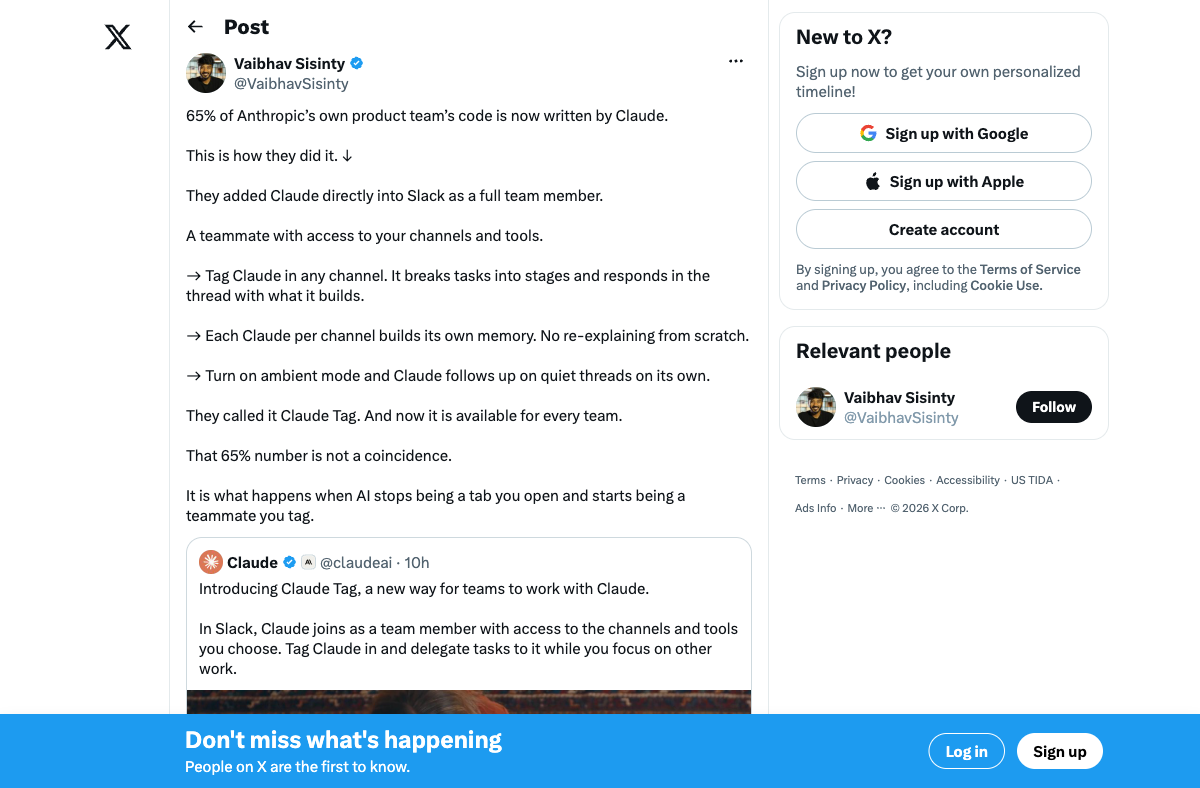
Boris Cherny, who leads Claude Code at Anthropic, has been public about not writing code by hand since November 2025. The workflow is: tag Claude in a Slack thread with a task description → Claude clones the repo, reads the codebase, plans the approach, writes the code, runs tests → posts status updates to the thread → user clicks “Create PR” to open a pull request.
This is the Claude Code + Slack integration operating at organizational scale. Slack becomes the trigger and context surface; Claude Code in the cloud becomes the execution surface. The separation is clean: “Slack = trigger + context + status surface. Claude Code = execution surface where the coding work happens.”
For operators evaluating this, the question isn’t whether 65% is achievable — it’s whether your team’s codebase and review workflows can absorb that velocity without the review bottleneck that Amazon’s “Sloppenheimer” channel already exposed.
What’s Missing
The HN discussion surfaced real architectural gaps:
Permissions granularity. Claude Tag inherits Slack channel membership but lacks granular per-tool, per-user access controls. One commenter noted they built alternatives with “per-user keys in MCP connections” for selective tool exposure. The current model is channel-level, not user-level — if you can post in the channel, you can use all of Claude’s connected tools.
Attribution during incidents. When Claude acts autonomously via ambient mode across multiple channels, determining which instance triggered a specific action becomes difficult. There’s activity logging, but the audit trail for cross-channel ambient actions is immature.
Microsoft Teams gap. Claude Tag is Slack-only. Teams has 320M+ users versus Slack’s ~50M. For enterprises running Microsoft’s stack, this is a non-starter until Anthropic ships a Teams integration.
No role-based access. MCP connections within Claude Tag lack role-based access controls. A contractor with channel access gets the same tool access as a senior engineer — the distinction has to be enforced at the Slack channel level, not the Claude permission level.
Lock-in concern. As Gergely Orosz noted, if you were a CTO you’d “only have a Slack integration where I can switch models anytime… to avoid lock-in.” Claude Tag’s memory and context accumulation creates switching costs that go beyond the model — your organizational knowledge lives in Claude’s channel memories.
The Press Read
The coverage split mirrors the HN split. TechCrunch called it a “strategic play to capture organizational context” — framing Claude Tag as Anthropic’s answer to the question of where enterprise lock-in actually lives. It’s not in the model weights or the API contracts. It’s in the memory: the accumulated context about how your team works, what your naming conventions are, which decisions have been made and why.
Fortune went further, calling it a “virtual employee” — which captures the ambient-mode behavior but undersells the sandbox architecture. A virtual employee implies a single entity. Claude Tag is closer to a fleet of per-channel specialists that share nothing with each other except the base model.
VentureBeat focused on the replacement angle: this isn’t an addition to Anthropic’s product line — it’s the old Claude Slack bot’s retirement party. The old integration’s access tokens and conversation history don’t carry over.
The press consensus is correct on the strategic direction and wrong on the framing. Claude Tag isn’t a “virtual employee.” It’s an infrastructure layer for agent-mediated teamwork — closer to a per-channel runtime than a coworker.
Migration Timeline
The old Claude in Slack app is being retired. Existing users have until August 3, 2026 to opt in to Claude Tag before automatic migration. Anthropic is issuing introductory launch credits to eligible Enterprise and Team organizations.
If you’re running the old integration, the migration is straightforward — but review your agent security posture before enabling ambient mode. A passive chatbot and an always-on ambient agent have very different risk profiles.
Where Claude Tag Fits
Claude Tag is available in beta for Claude Enterprise and Team plans. It runs on Opus 4.8 and supports three interaction surfaces: channel tagging, direct messages, and Slack’s AI assistant panel.
For operators already building agent harnesses, Claude Tag is interesting because it solves two problems simultaneously: the agent gets a natural-language interface (Slack) and a persistent execution environment (Claude Code in the cloud). You don’t need to build a custom trigger mechanism or a status-reporting surface — Slack threads handle both.
For teams evaluating whether to adopt, the honest calculus is: Claude Tag works best when your coordination already happens in Slack, your codebase is accessible via GitHub, and your team is comfortable with an agent that learns from channel conversations. If any of those aren’t true, the standalone Claude Code or managed agents setup might be more appropriate.
The platform play is clear. Anthropic isn’t just selling inference anymore — they’re selling a persistent agent surface that accumulates organizational context. Whether that context accumulation is a feature or a lock-in strategy depends entirely on whether you trust your vendor with your team’s tacit knowledge.