Field report · · AgentConn Team
cc-switch: One App for All Your AI Coding CLIs
cc-switch unifies five AI coding CLIs into one app. Here's how it works, when to use which agent, and what the platform economics mean for developers.
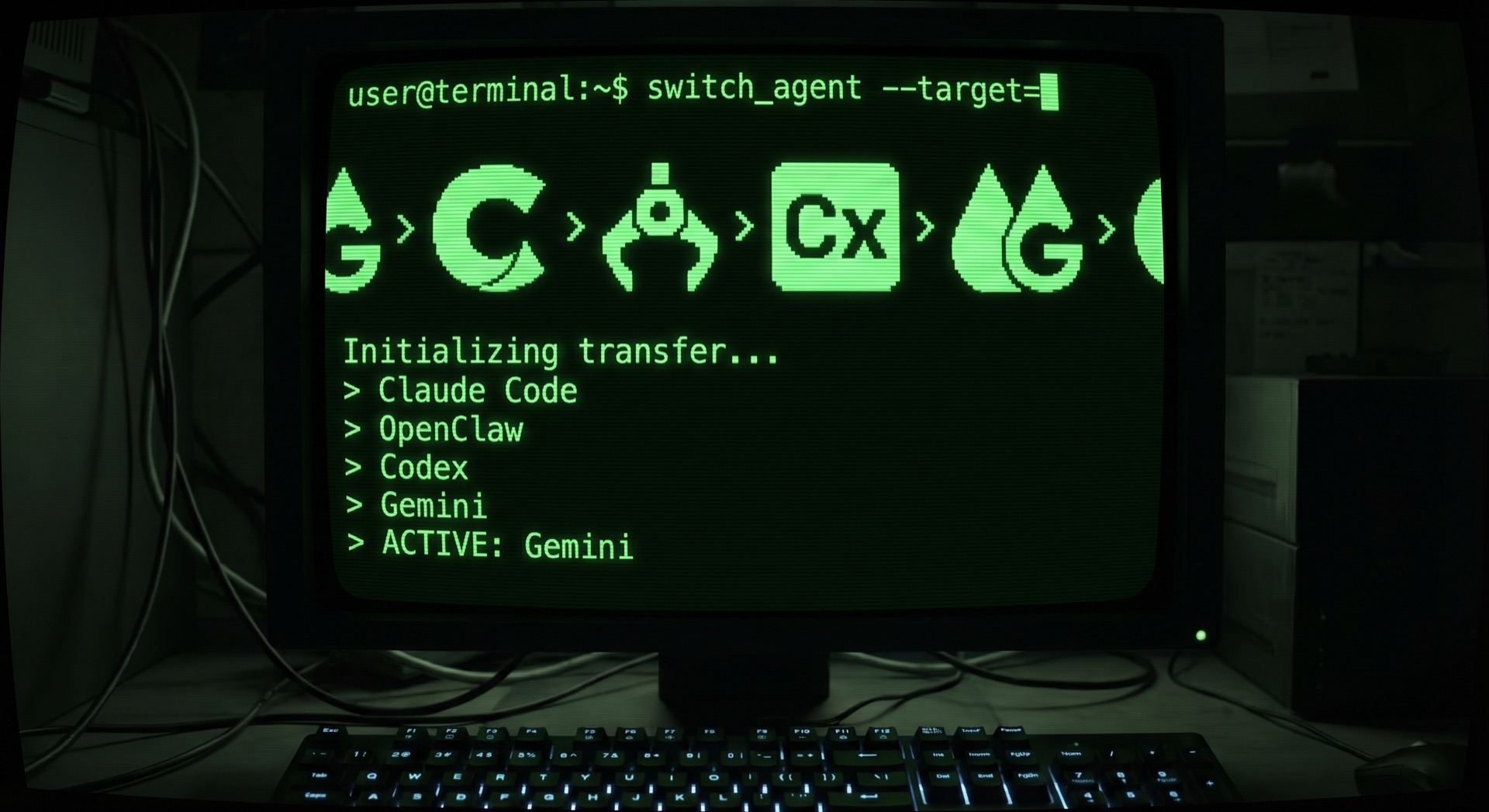
The agentic CLI layer is fracturing. Six months ago, most developers used one AI coding tool. Today, the serious ones use three or four — Claude Code for deep reasoning, Codex CLI for autonomous execution, Gemini CLI for large codebases, and OpenClaw for 24/7 background automation.
The problem is not that these tools exist. The problem is that each one has its own configuration files, API keys, MCP servers, prompt libraries, and session history. Managing them manually means editing four different config files every time you switch providers, change a model, or update an API key.
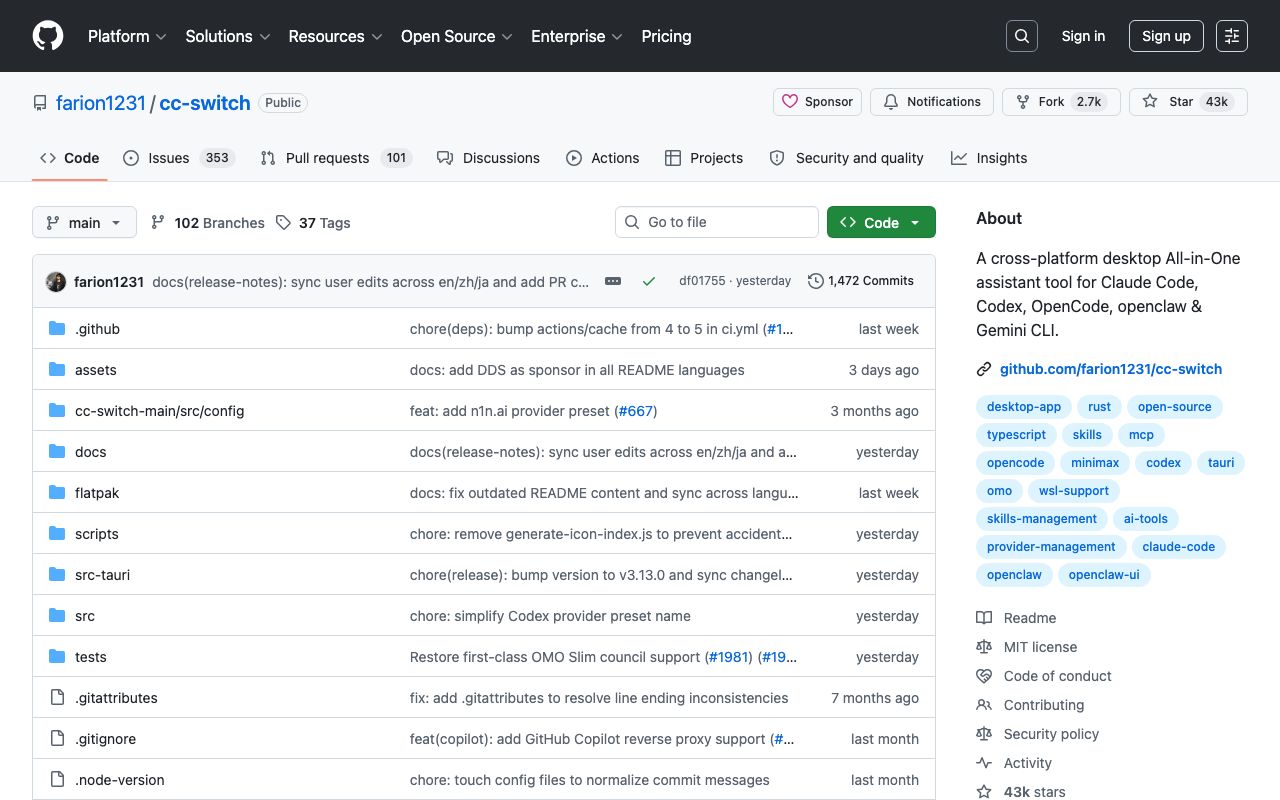
cc-switch solves this. With 43,000 GitHub stars and growing, it has become the de facto tool for developers who refuse to pick just one AI coding agent. Built with Tauri and Rust, it provides a single desktop application that manages all five major CLI tools — their providers, configurations, MCP servers, skills, and session history.
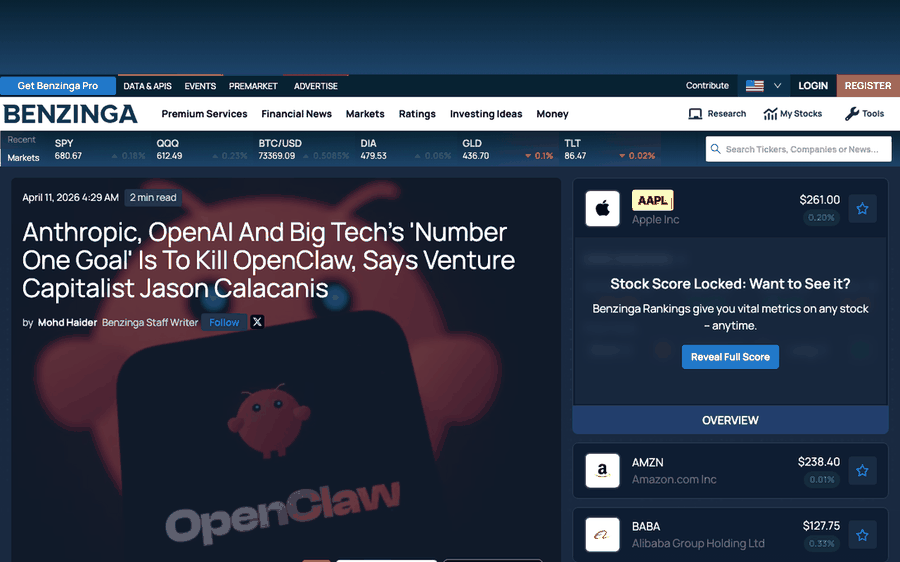
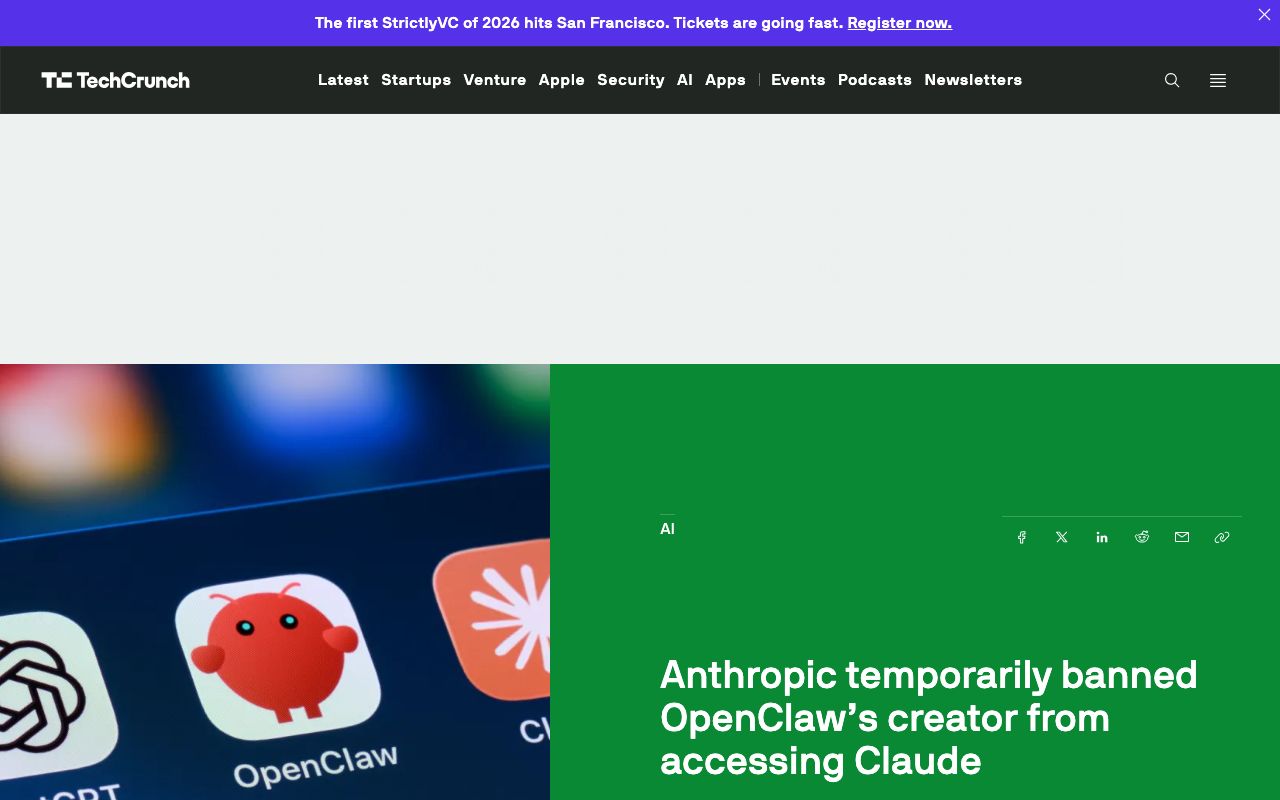
This is not a luxury. In a week where Anthropic banned OpenClaw’s creator from accessing Claude and Jason Calacanis declared that “Big Tech’s number one goal is to kill OpenClaw,” multi-tool fluency is not just a productivity play. It is a hedge against platform risk.
What cc-switch Actually Does
cc-switch is a desktop application — not a CLI tool despite the name. It sits in your system tray and manages configurations for Claude Code, Codex, OpenCode, OpenClaw, and Gemini CLI. Think of it as a universal control panel for your AI coding stack.
Provider Switching
The headline feature is one-click provider switching across 50+ built-in presets. Instead of manually editing ~/.claude/settings.json or Codex’s TOML config, you select a provider in cc-switch and it propagates the change to every tool simultaneously.
This matters more than it sounds. When you are testing a new model — say, switching from Claude Opus to Gemini 2.5 Pro for a specific task — you want to change one setting, not four. cc-switch makes the switch atomic: one click, all tools updated, restart your CLI, go.
Unified MCP Server Management
MCP (Model Context Protocol) servers are how AI agents connect to external tools — databases, APIs, file systems, custom skills. Each CLI tool has its own MCP configuration format. cc-switch provides a unified MCP panel that manages MCP servers across all supported tools from one interface.
Add an MCP server once. It appears in Claude Code, Codex, Gemini CLI, and OpenClaw automatically.
Cross-App Prompt Sync
Prompt libraries — system prompts, project instructions, custom rules — are another configuration that fragments across tools. cc-switch synchronizes prompts across tools with a built-in Markdown editor. Write your project conventions once, sync everywhere.
Additional Features
- Local proxy with auto-failover — route all API calls through a local proxy that handles rate limiting, circuit breaking, and automatic failover between providers
- Usage tracking and cost monitoring — see exactly how much you are spending across all tools on a unified dashboard
- Cloud sync — synchronize settings across machines via Dropbox, OneDrive, iCloud, or WebDAV
- Skills management — auto-scan GitHub repositories for agent skills and install with one click
When to Use Which Agent CLI
cc-switch manages the tools, but it does not tell you which one to use. Here is the decision framework based on real-world comparisons across 2026.
Claude Code — Deep Reasoning and Multi-File Edits
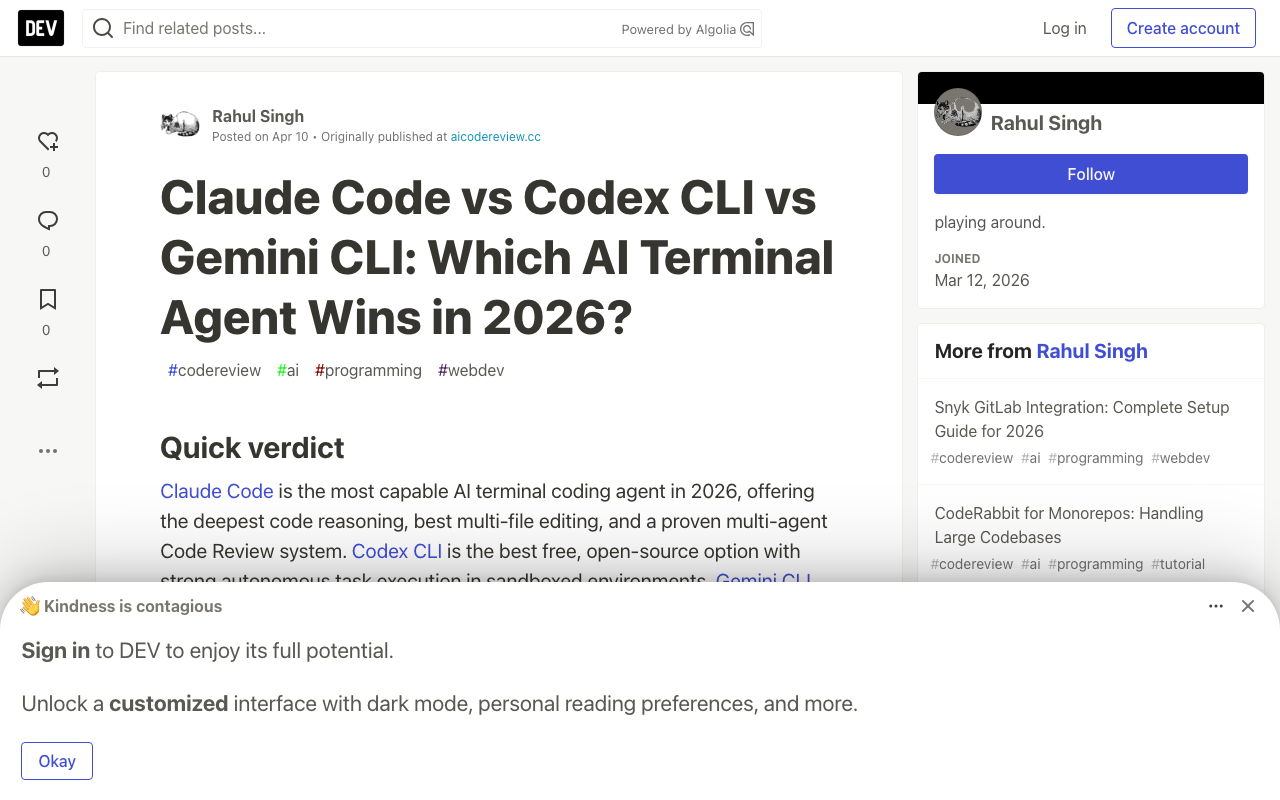
Claude Code is the most capable AI terminal coding agent in 2026. It delivers 95% correct code on the first try, compared to 60-70% for Codex and 50-60% for Gemini CLI. Its agentic search automatically understands your entire codebase without requiring manual context selection.
Use when: Complex refactoring, multi-file edits that need to work together, code review, architectural decisions, debugging subtle issues.
Trade-off: No free tier. Requires Claude Pro/Max subscription ($20-200/mo) or API key billing.
Codex CLI — Autonomous Cloud Execution
OpenAI’s Codex CLI runs locally but can execute tasks autonomously in cloud sandboxes. It is open-source (Apache 2.0), included with ChatGPT Plus/Pro subscriptions, and excels at fire-and-forget tasks.
Use when: Batch operations, automated test generation, tasks you can check later, parallel execution of independent work items.
Trade-off: Lower first-try accuracy. Best with human review before merging.
Gemini CLI — Large Codebases and Free Tier
Gemini CLI ships with a 1M token context window and a generous free tier. Its built-in Google Search grounding means it can reference documentation and StackOverflow answers in real time. The context window gap has largely closed — both Claude Code and Gemini CLI now support 1M tokens — but Gemini’s free tier makes it the default for exploration and getting started.
Use when: Working with very large codebases, exploring new frameworks, budget-conscious development, tasks that benefit from web search grounding.
Trade-off: Lower code accuracy on complex tasks. Less reliable multi-file coordination.
OpenClaw — 24/7 Background Automation
OpenClaw is fundamentally different from the other three. It is an autonomous agent platform that runs 24/7, connecting to 200+ LLM models and executing multi-step workflows across messaging apps, APIs, and file systems.
Use when: Automated deployment pipelines, continuous integration tasks, scheduled maintenance, multi-step workflows that run without human oversight.
Trade-off: Platform risk. Anthropic cut OpenClaw users off from Claude subscriptions in April 2026, forcing them to API pricing. A single day of heavy OpenClaw usage on Opus can consume over $100 in tokens.
The Platform Economics Problem
The All-In podcast framed it as “OpenClaw vs. everybody.” Jason Calacanis alleged that Anthropic restricted OpenClaw users from their $200/month Claude subscription, then launched a competing managed agent product within 10 days. Competitors now include Perplexity, Alibaba’s Qwen-based agent, and Elon Musk’s “Grok computer.”
This is not just an OpenClaw story. It is the story of every developer building on AI platforms in 2026.
When Anthropic banned OpenClaw’s creator Peter Steinberger from accessing Claude — just weeks after Steinberger announced he was leaving OpenClaw to join OpenAI — the message was clear: building your workflow around a single AI provider is a liability.
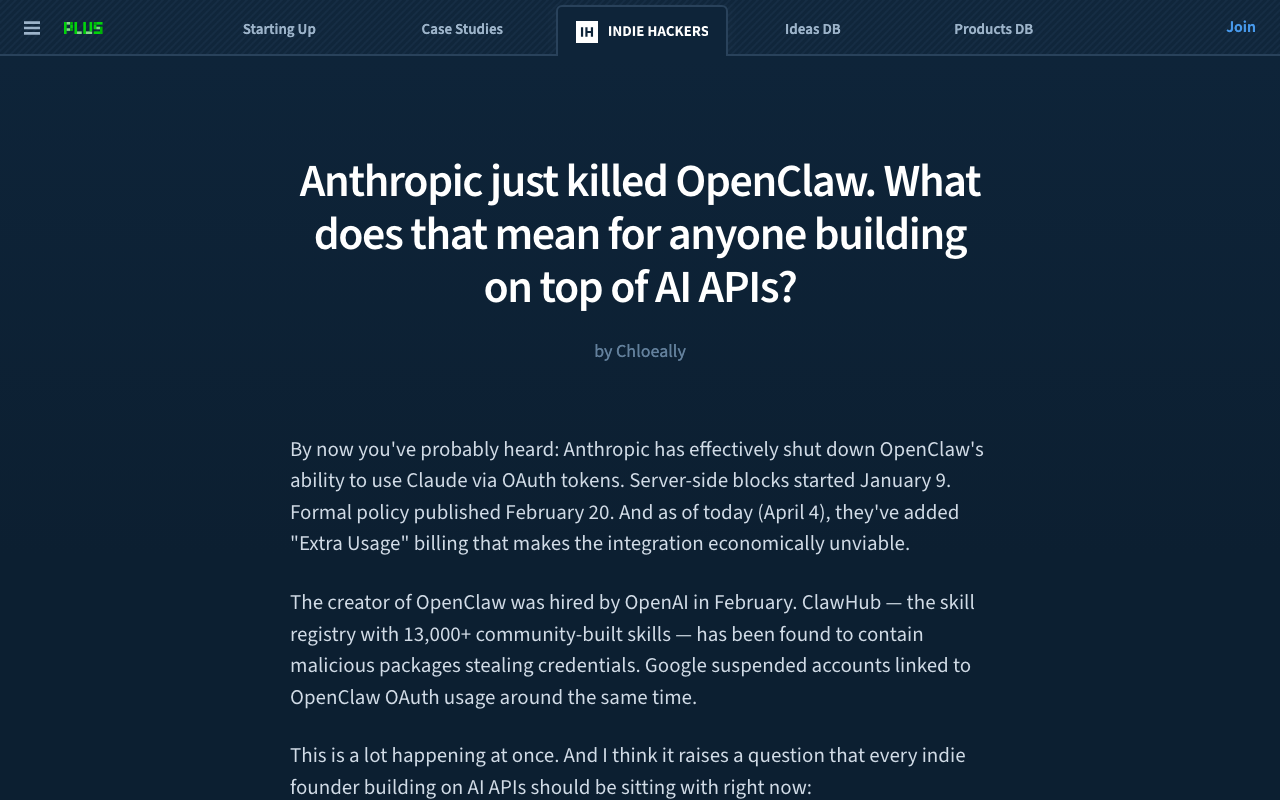
The Indie Hackers community articulated it best: platform risk is the defining concern of the agentic ecosystem in 2026.
The Ecosystem Crystallizing Around Multi-Agent
cc-switch is not alone. The multi-agent ecosystem is crystallizing around several complementary projects:
obra/superpowers (2,150+ stars) is a skills framework that provides structured development workflows — brainstorming, git worktrees, test-driven development — across Claude Code, Codex, OpenCode, Cursor, Gemini CLI, and GitHub Copilot CLI. Where cc-switch manages configurations, superpowers manages methodology.
multica (1,544+ stars) is a managed agents platform that turns coding agents into teammates. Assign tasks, track progress, compound skills. It manages the full agent lifecycle across Claude Code, Codex, OpenClaw, and OpenCode — a project management layer on top of the tools that cc-switch configures.
These tools form a stack: cc-switch configures the agents, superpowers teaches them how to work, and multica manages what they work on. The fact that all three emerged independently and converged on the same set of supported tools tells you something about where the market is heading.
If you have been following Block’s Goose agent story, the pattern is the same. Enterprises are not betting on one AI vendor. They are building abstraction layers that let them swap vendors without rewiring their workflows.
Getting Started with cc-switch
Installation is straightforward. On macOS:
brew install --cask cc-switchOn Windows, download the MSI installer from GitHub Releases. On Linux, grab the AppImage, DEB, or RPM package.
After installation:
-
Configure your providers. Add your API keys for Anthropic, OpenAI, Google, and any third-party providers (OpenRouter, Together, etc.). cc-switch’s built-in speed test verifies each connection.
-
Import your MCP servers. If you already have MCP servers configured in Claude Code or Codex, cc-switch can import them automatically.
-
Set up failover. Enable the local proxy and configure failover priorities — for example, Claude Opus primary, Gemini Pro fallback, Codex tertiary.
-
Sync prompts. Import your existing system prompts and project instructions. cc-switch synchronizes them across all supported tools.
-
Verify. Open your terminal, start Claude Code or Codex, and confirm the connection works. cc-switch updates config files in place — your CLI tools read them as usual.
The entire setup takes about 5 minutes.
What This Means for Developers
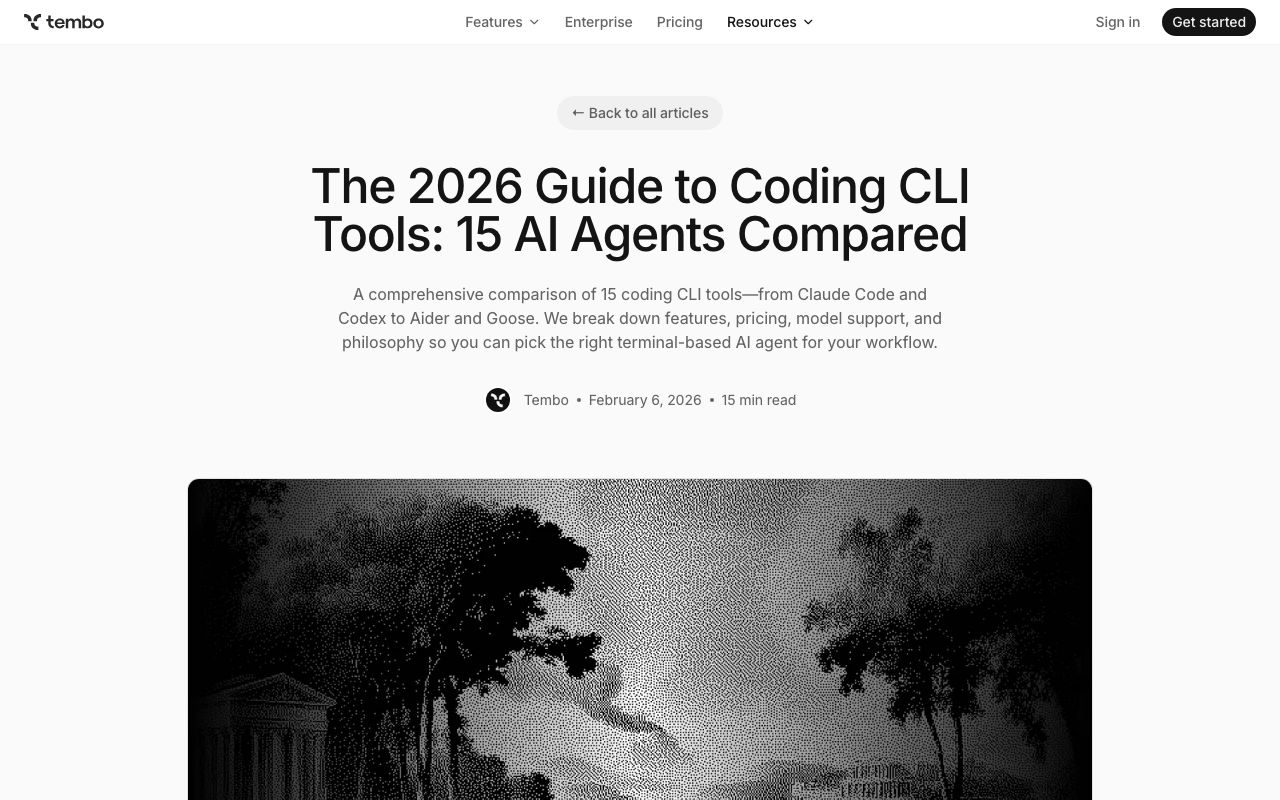
The terminal has re-emerged as the center of gravity for AI-assisted coding. With over a dozen serious CLI contenders now shipping, the question is not which tool to pick. It is how to use multiple tools effectively.
cc-switch is the answer to that specific problem. It does not replace any CLI tool. It makes all of them usable together.
The deeper signal is about platform economics. Every major AI lab is simultaneously building coding tools and restricting competitors from using their models. Developers who commit to a single vendor are making a bet. Developers who invest in multi-tool infrastructure — cc-switch, superpowers, multica — are making a hedge.
In the current environment, the hedge is the smarter play.