Field report · · AgentConn Team
Your SaaS Now Has a Second Customer: The AI Agent
WebMCP lets websites expose structured tools to AI agents. Here is what changes about SaaS design when your app has to serve both humans and autonomous callers.
Your SaaS Now Has a Second Customer: The AI Agent
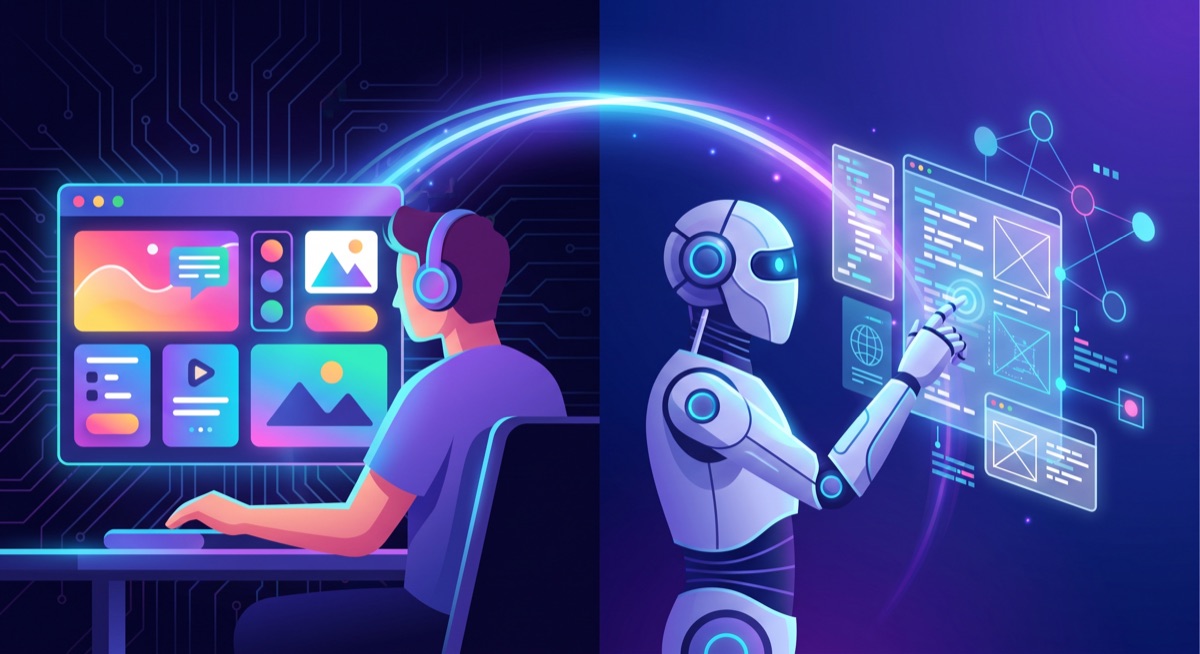
For a decade, every website optimized for exactly two audiences: the human staring at the screen, and the search crawler indexing the page. Responsive design handled the first. SEO and structured data handled the second. That was the entire stack.
In February 2026, Google and Microsoft jointly proposed WebMCP through the W3C Web Machine Learning Community Group, and the stack got a third layer. WebMCP is a browser-native standard that lets any website expose structured, callable tools to AI agents — not by scraping the DOM, not by simulating clicks, but through a typed API surface that the site author defines and the agent invokes directly.
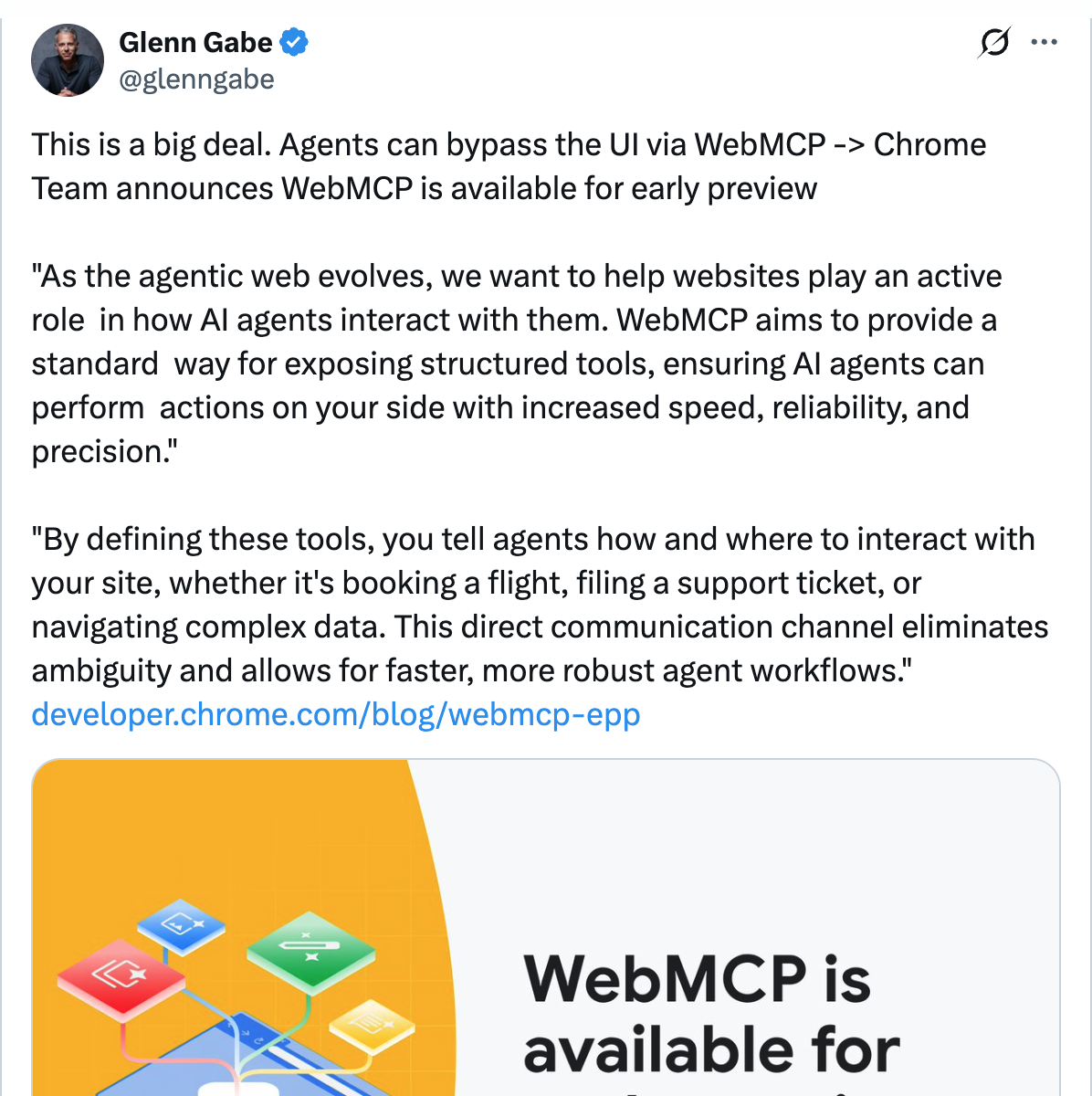
The implications run deeper than a new protocol. When Shopify flipped WebMCP on by default for 5.6 million storefronts in March 2026 — making every store discoverable inside ChatGPT, Copilot, and Gemini without merchants lifting a finger — they were not adding a feature. They were redefining who their customer is. The storefront now serves both the person browsing and the agent shopping on their behalf.
This is the inversion. And if you build SaaS, it is coming for you next.
What WebMCP Actually Is (and Is Not)
Let us clear the confusion. The Model Context Protocol (MCP) that Anthropic open-sourced in late 2024 is a server-side standard — a backend process that exposes tools over HTTP or stdio to an AI agent. WebMCP is a different thing entirely: a browser-side API that lets web pages expose tools directly to agents running inside the browser.
The distinction matters architecturally:
| Layer | Protocol | Where It Runs | Who Deploys It |
|---|---|---|---|
| Backend-to-agent | MCP | Server process | Backend team |
| Agent-to-agent | A2A | Cloud/mesh | Platform team |
| Website-to-agent | WebMCP | Browser | Frontend team |
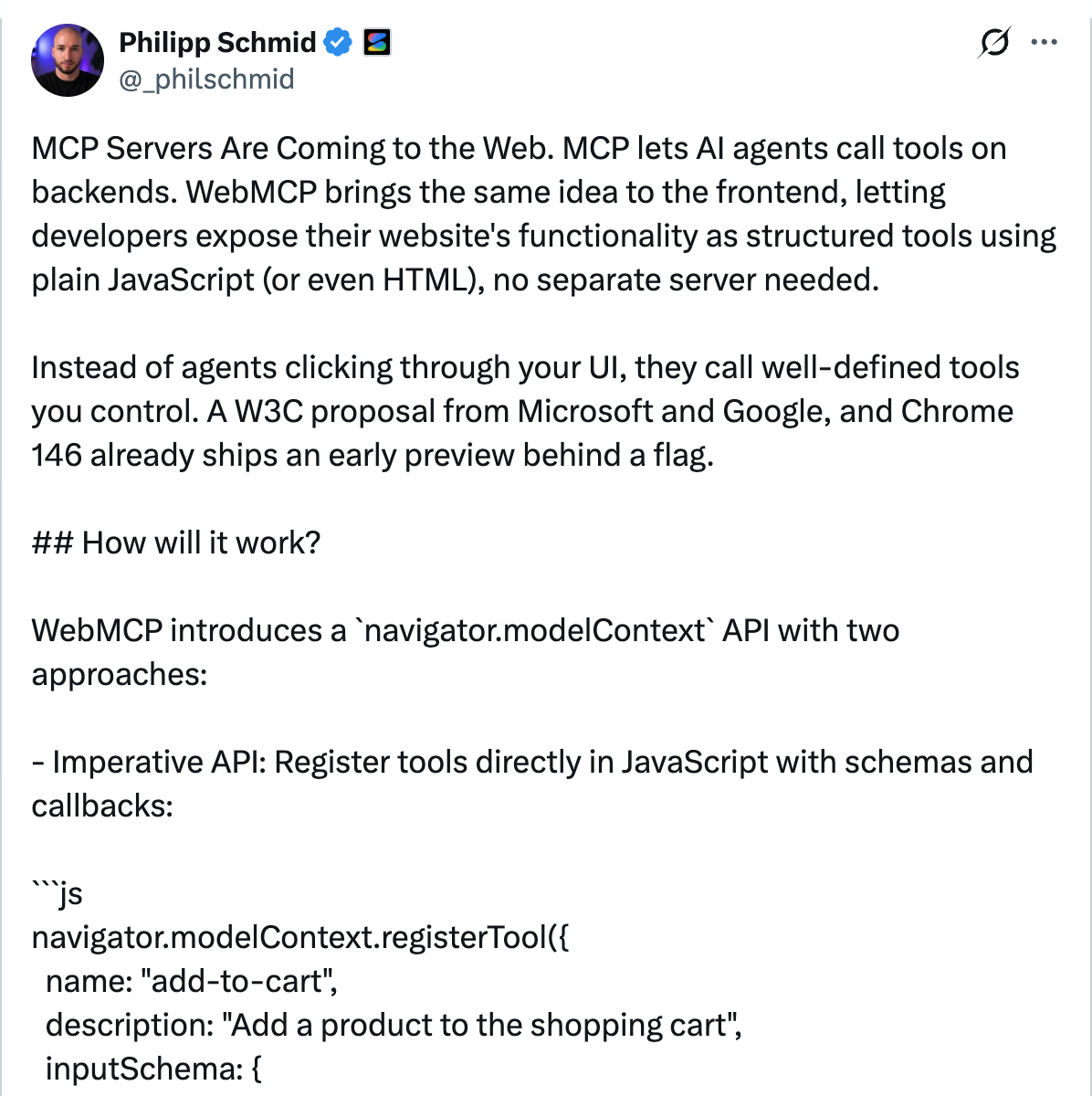
WebMCP works through a new browser API: navigator.modelContext. The site author registers tools with a name, description, input schema, and an execute function. Here is the canonical pattern from the Chrome developer docs:
navigator.modelContext.registerTool({
  name: "search_products",
  description: "Search the product catalog by keyword",
  inputSchema: {
    type: "object",
    properties: {
      query: { type: "string" },
      category: { type: "string" },
    },
  },
  execute: async ({ query, category }) => {
    const results = await catalog.search(query, category);
    return { products: results };
  },
});
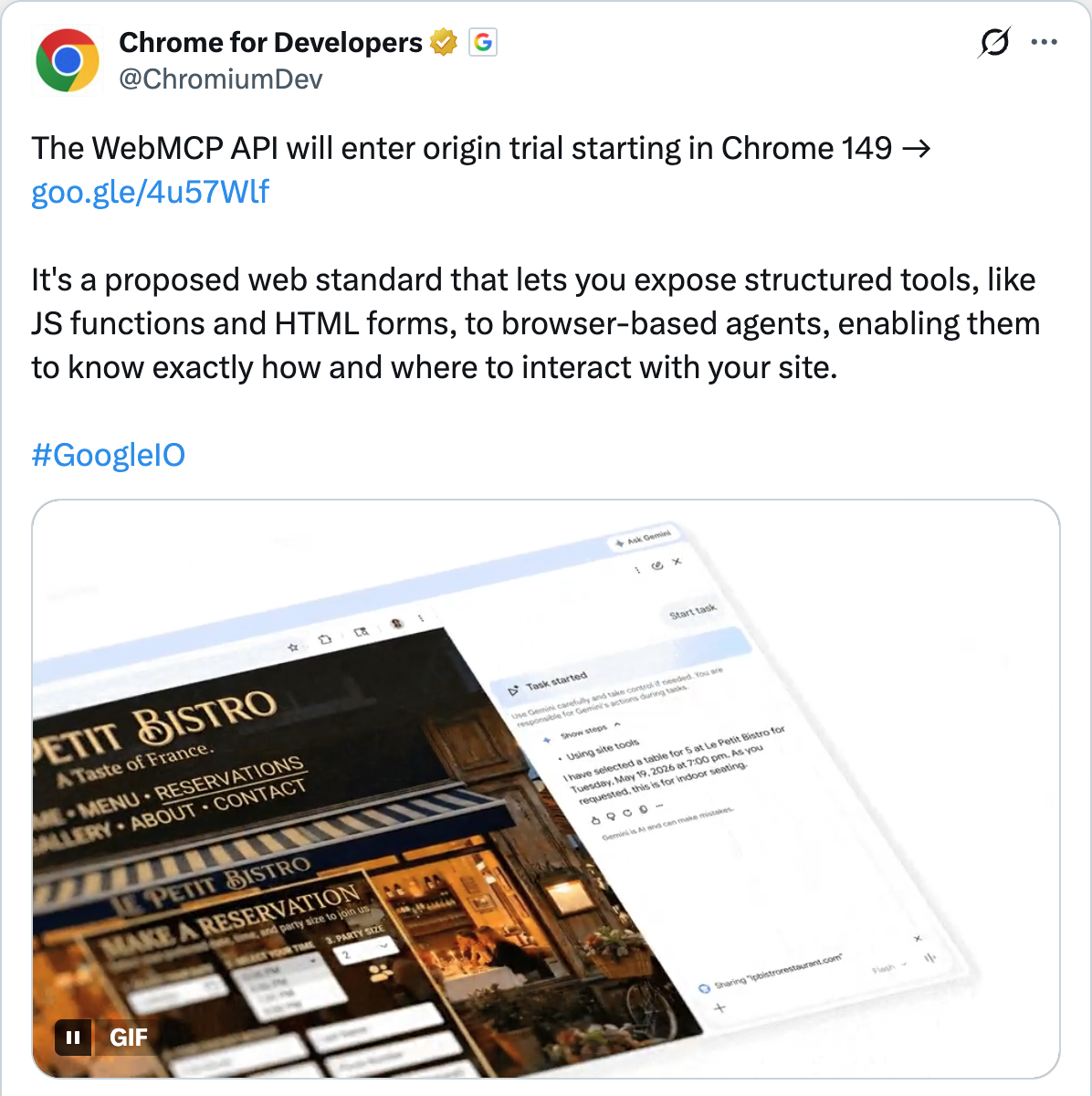
There is also a declarative path for sites that live on forms rather than SPAs:
<form tool-name="book_table"
      tool-description="Reserve a table at this restaurant">
  <input name="party_size"
         tool-param-description="Number of guests" />
  <input name="date"
         tool-param-description="Date in YYYY-MM-DD format" />
  <button type="submit">Book</button>
</form>
The key difference from a traditional API or MCP server: WebMCP runs client-side. The agent calling your tool inherits the user’s session cookies, authentication state, and permissions — the same context a human has when they click a button. No API keys. No OAuth dance. No separate server to maintain.
The Three-Layer Protocol Stack
WebMCP does not replace MCP — it complements it. The agentic web now has three interoperability layers, each solving a different connectivity problem:
- MCP (server-side): Agent talks to your database, your internal API, your file system. The backend team owns this. You deploy an MCP server alongside your API.
- A2A (agent-to-agent): One agent delegates to another across organizational boundaries. Google’s Agent2Agent protocol handles this layer.
- WebMCP (browser-side): Agent interacts with a website through structured tools instead of UI scraping. The frontend team owns this. You ship it as part of your site.
As the AM Data Lakehouse newsletter put it: three protocols, three layers, one coherent answer to “how does an agent actually do things in the real world?”
For SaaS builders, the practical question is: which layer do you invest in first? If your product is API-first (developer tools, infra, data platforms), server-side MCP is your natural entry point — and we covered that architecture in depth here. If your product is browser-first (e-commerce, productivity tools, dashboards), WebMCP is the shorter path to agent-readiness because it reuses your existing client-side logic and session management.
For a deeper look at how WebMCP fits into the broader protocol landscape, Sam Witteveen’s deep-dive covers the technical foundations and the trajectory of the standard.
Who Is Already Shipping
The origin trial in Chrome 149 went public after the Google I/O 2026 keynote on May 19, 2026. Within 24 hours, implementation guides were circulating on Hacker News, X, and frontend Discord communities. But the headline adoption story is Shopify.
Shopify: 5.6 Million Agent-Ready Storefronts
On March 24, 2026, Shopify turned on Agentic Storefronts by default for eligible US merchants. Every Liquid storefront and Hydrogen developer preview now exposes WebMCP tools for catalog search, cart management, checkout, and policy lookup. Merchants did not have to opt in.
The architectural insight is elegant: because WebMCP is just another interface to the same Shopify backend — the same catalog, the same cart, the same checkout — the agent contract cannot drift from the human one. This is WebMCP at its strongest: when the same client-side logic serves both audiences.
Google announced that Expedia, Booking.com, Credit Karma, TurboTax, Redfin, Etsy, Instacart, and Target are also experimenting with the origin trial. The pattern is clear: commerce and transactional SaaS leads, content sites follow.
OpenAI: ChatGPT Gets WebMCP-Aware
OpenAI added WebMCP support to the ChatGPT desktop app’s built-in browser and ChatGPT Sites. When a user visits a WebMCP-compatible site, ChatGPT’s agent can automatically discover and invoke the site’s exposed tools to complete tasks. The WebMCP Challenge — submissions closed September 3, 2026 — invited developers to build apps that become “meaningfully better when people and their agents can use it together.”
What the Community Is Saying
The developer community is split — productively so.
On Hacker News, threads about WebMCP have drawn spirited debate. Proponents point to the 90% token reduction and the end of fragile screen-scraping. Skeptics question whether website owners should be asked to maintain yet another interface format when semantic HTML and ARIA trees already provide machine-readable structure.
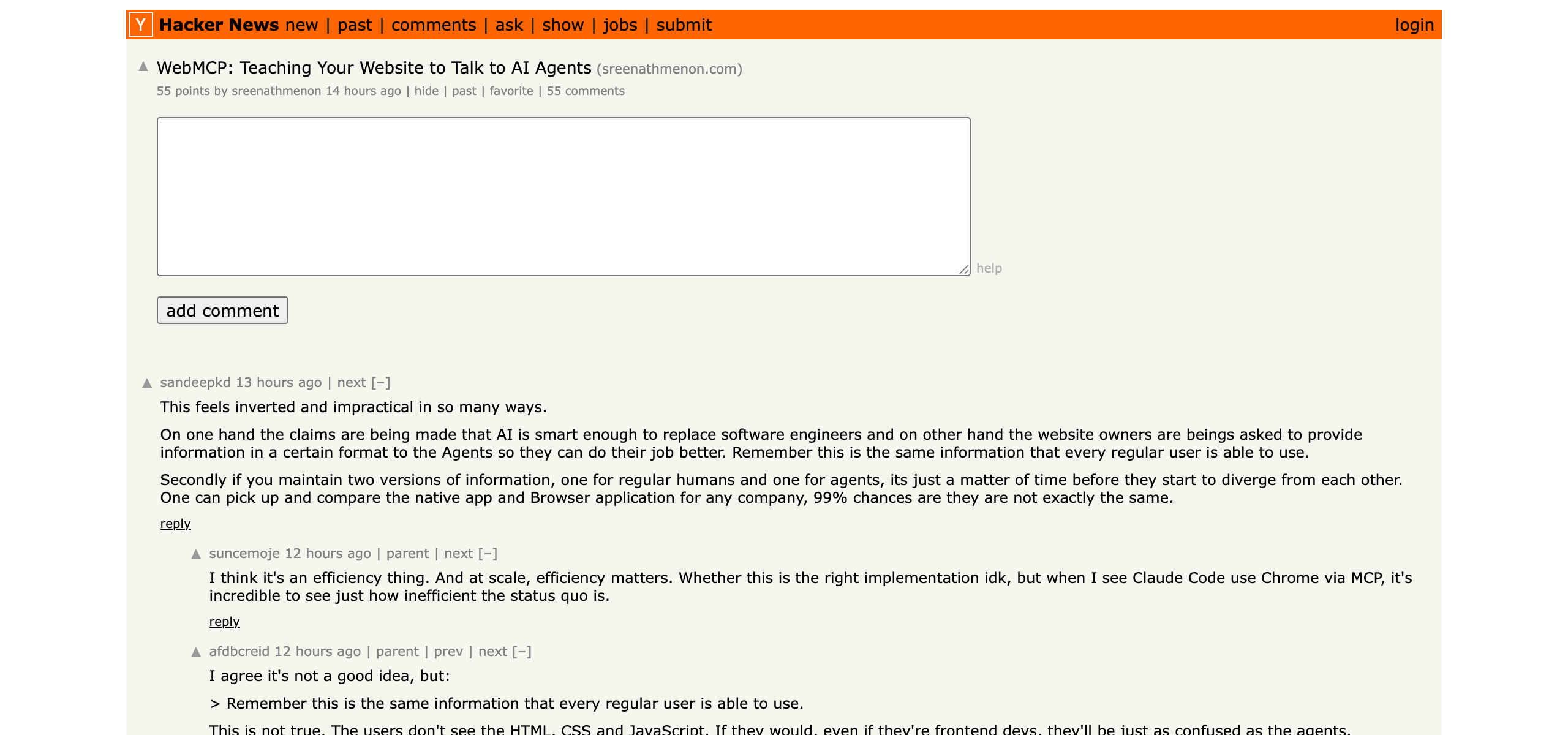
The thread “Turning my website into an MCP tool for AI agents” provided a practitioner’s perspective — a developer walking through the actual conversion process, surfacing the real friction points: deciding which actions to expose, handling error states for agent callers, and the question of analytics (how do you track agent usage separately from human usage?).
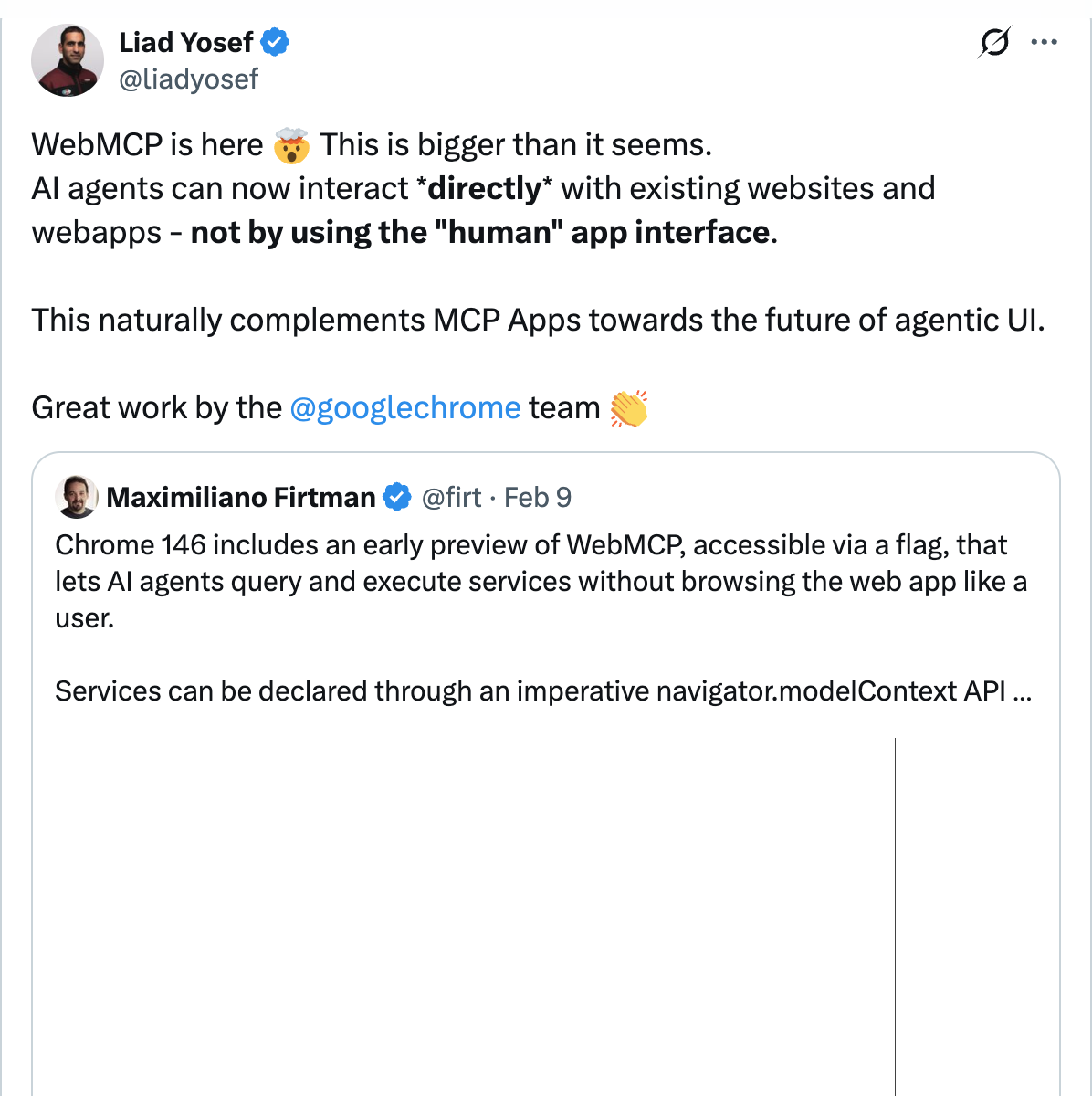
On X, the reaction from infrastructure-adjacent developers was enthusiastic. Philipp Schmid of Hugging Face framed it as “MCP servers are coming to the web” — noting that WebMCP lets developers expose functionality using plain JavaScript, no separate server needed. Liad Yosef called it “bigger than it seems” and pointed to the convergence with MCP Apps toward “the future of agentic UI.”
The Contrarian Corner: Why WebMCP Might Be the Wrong Layer
Not everyone is convinced. Manveer Chawla’s essay “Why WebMCP Is the Wrong Architecture for AI Agents on the Web” makes the sharpest counter-argument.
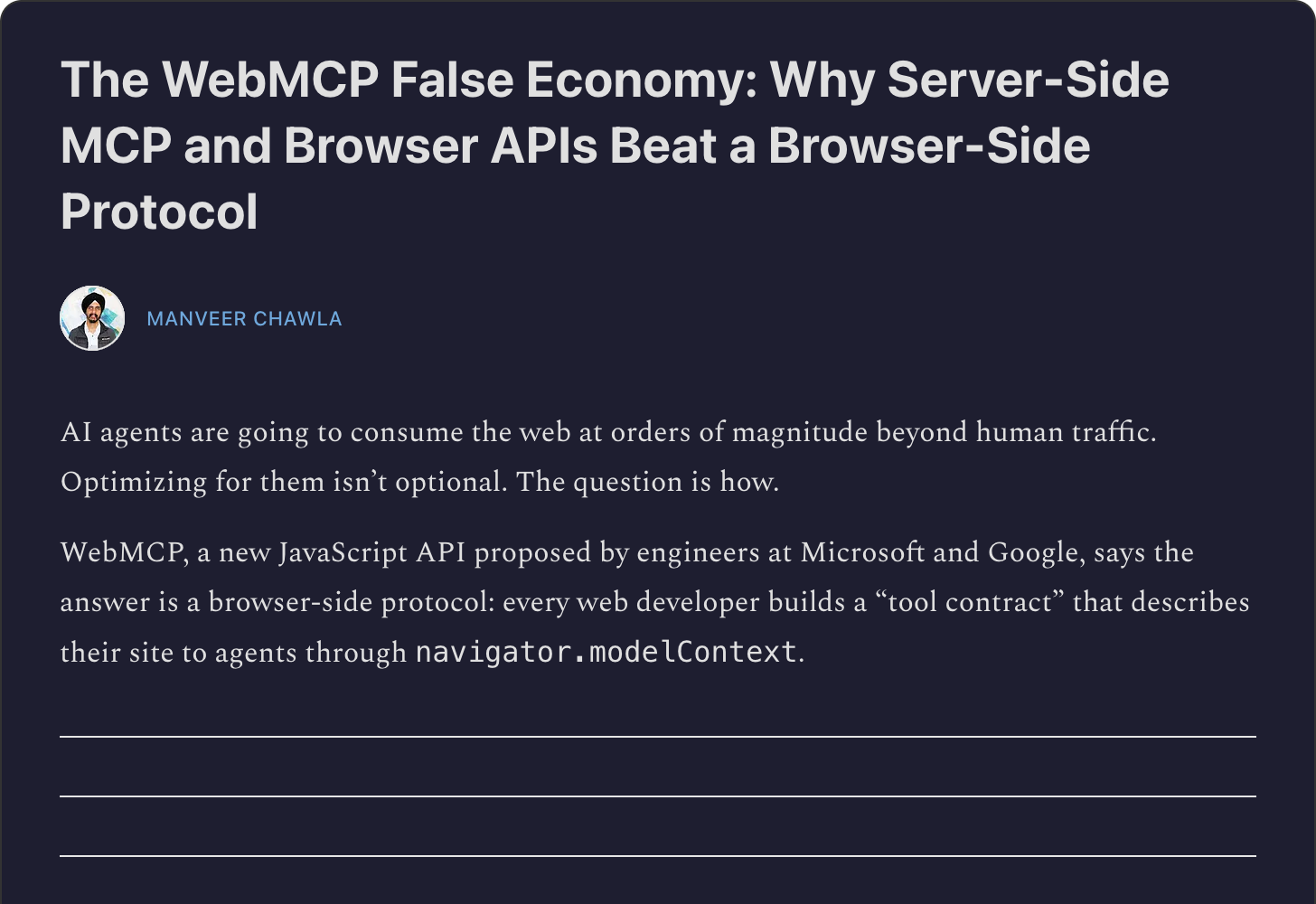
Chawla’s thesis: WebMCP creates a “false economy.” It demands developer effort comparable to building a server-side MCP integration, but routes everything through the browser unnecessarily. Worse, it creates two parallel interfaces — the visual UI and the declarative tool contract — that will inevitably drift. When they do, agents silently execute outdated actions. A stale registerTool definition is worse than no tool at all.
Chawla proposes two alternative paths: for committed SaaS products, deploy server-side MCP directly (where the contract IS the implementation); for the long tail of websites, invest in browser-level improvements — richer Accessibility Trees, WebDriver BiDi, ElementInternals — that synthesize tool interfaces from existing semantic markup without requiring any new developer protocol.
This is a serious argument. But it misses one thing: the Shopify pattern. When WebMCP tools are auto-generated from the same client-side code that drives the human UI — not hand-maintained as a parallel contract — the drift problem disappears. The maintenance-rot argument applies to hand-crafted annotations bolted onto an existing site; it does not apply to frameworks that generate both interfaces from a single source of truth.
The real question is not “WebMCP vs. server-side MCP” — it is “which products have the architecture to keep the agent contract in sync automatically, and which will let it rot?” The answer determines whether WebMCP is a strategic investment or a maintenance liability. For teams with framework-level control (Shopify, Next.js, Hydrogen), it is the former. For teams bolting annotations onto legacy jQuery apps, Chawla’s concerns are well-founded.
What Changes About SaaS Design
If you are building a SaaS product in 2026, WebMCP forces you to answer questions your product team has probably never considered.
1. Which Actions Do You Expose?
Not every button deserves a tool definition. The art is choosing high-value, well-bounded actions where agent invocation is both useful and safe. A sensible starting set for most products:
- Read operations: Search, status check, list/filter, detail view
- Write operations with clear boundaries: Create draft, add item, update preference
- Operations you explicitly exclude: Delete, billing changes, admin actions (or gate them behind
SubmitEvent.agentInvokedconfirmation flows)
2. How Do You Handle Agent vs. Human Identity?
WebMCP inherits the browser session, so the agent acts with the user’s permissions. But you probably want to know when an action was agent-initiated — for analytics, audit trails, and abuse detection. The spec includes SubmitEvent.agentInvoked, a boolean flag that distinguishes agent-initiated form submissions from human ones. Use it. And think carefully about the security surface this exposes.
3. How Do You Version the Agent Contract?
This is the part nobody is talking about yet. Your human UI changes continuously — A/B tests, feature flags, redesigns. If your WebMCP tools are tightly coupled to UI state, every change breaks agents. Treat the agent contract the same way you treat a public API: version it, deprecate it gracefully, document breaking changes.
4. How Do You Test Agent Interactions?
You need a new test layer. Human E2E tests click buttons and verify DOM state. Agent E2E tests invoke navigator.modelContext tools and verify the returned payloads. Your CI pipeline needs both. And since WebMCP tools run in the browser context, they carry all the flakiness of browser-based testing — plus the new failure mode of an agent calling your tool with valid-but-unexpected parameter combinations.
untrustedContentHint for flagging user-generated content to agents, preventing indirect prompt injection.
A First Implementation Sketch
For teams starting from zero, here is a pragmatic path to making your SaaS agent-ready with WebMCP.
Step 1: Identify your top 5 agent-callable actions. Walk your product’s core user flow and pick the actions that an agent could meaningfully perform on a user’s behalf. Search, create, update-status, and check-summary are almost universally useful.
Step 2: Register them with navigator.modelContext. Start imperative (JavaScript), even if your forms could support the declarative path. The imperative API gives you more control over input validation, error handling, and response shaping.
// Example: A project management SaaS
navigator.modelContext.registerTool({
  name: "create_task",
  description: "Create a new task in the current project",
  inputSchema: {
    type: "object",
    properties: {
      title: { type: "string", description: "Task title" },
      assignee: { type: "string", description: "Username to assign" },
      priority: {
        type: "string",
        enum: ["low", "medium", "high", "critical"],
      },
    },
    required: ["title"],
  },
  execute: async ({ title, assignee, priority }) => {
    const task = await TaskService.create({
      title,
      assignee,
      priority: priority || "medium",
      projectId: currentProject.id,
    });
    return {
      taskId: task.id,
      url: `${window.location.origin}/tasks/${task.id}`,
      status: "created",
    };
  },
});
Step 3: Flag untrusted content. Any tool that returns content authored by external users (comments, descriptions, names) should flag it to prevent indirect prompt injection:
return {
  results: searchResults,
  _meta: { untrustedContentHint: ["results[].description"] },
};
Step 4: Gate destructive actions. For anything that modifies state in ways that are hard to undo, use the confirmation flow:
execute: async (params) => {
  return {
    confirmation_required: true,
    message: `Delete project "${params.name}" and all 47 tasks?`,
    confirm_action: "delete_project_confirmed",
  };
},
Step 5: Add agent analytics. Track SubmitEvent.agentInvoked alongside your existing analytics to understand how agents use your product differently from humans.
For a full walkthrough of building WebMCP tools from scratch, watch Jd Fiscus’s demo with code — it covers the imperative API, error handling, and testing in Chrome DevTools.
The Bigger Picture: Three Audiences, One Product
WebMCP is not the end of the story. It is the beginning of a design problem that will define the next generation of SaaS:
Audience 1 — humans: Visual UI, responsive design, accessibility, delight.
Audience 2 — crawlers: SEO, Schema.org, robots.txt, sitemaps.
Audience 3 — agents: WebMCP tools, MCP servers, A2A endpoints.
The products that thrive will be the ones that treat all three as first-class product surfaces — not because agents are replacing humans, but because agents are becoming the harness through which humans interact with an increasing number of products. When a user tells Claude “book me a table at that Italian place for Saturday,” the restaurant’s website is not losing a customer. It is gaining one who happens to arrive through an agent instead of a search engine.
For both the strategic implications and the technical implementation walkthrough, AI Jason’s guide is one of the clearest available.
navigator.modelContext.registerTool. (4) Measure agent invocations separately from human usage. (5) Treat the agent contract like a versioned API. The standard is a Draft Community Group Report as of July 2026 — early enough to shape it, late enough to ship on it.
The agent-facing web is not a future prediction. Shopify already did it for 5.6 million stores. The token economics are 10x better than screen-scraping. The origin trial is live. The only question left is whether your product will be a tool an agent can call — or a page it has to scrape.