GStack: Turn Claude Code Into a Full Engineering Team
Garry Tan's gstack gives Claude Code 23 specialist skills: CEO, Eng Manager, QA. 82K stars and still climbing. Here's what actually works.
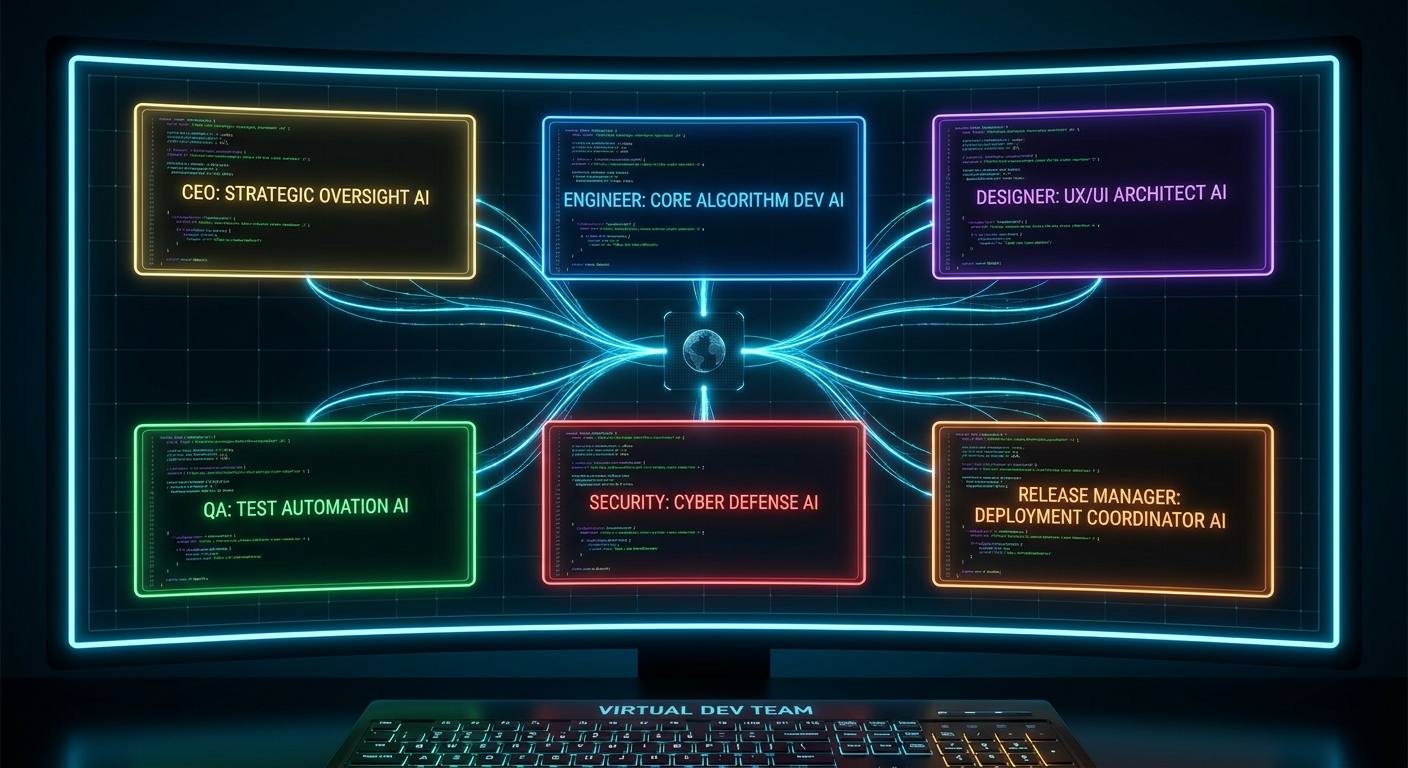
The first time you type /office-hours into Claude Code with GStack installed, something strange happens. The AI stops acting like a helpful coding assistant and starts acting like a skeptical product manager who thinks your feature idea is probably wrong.
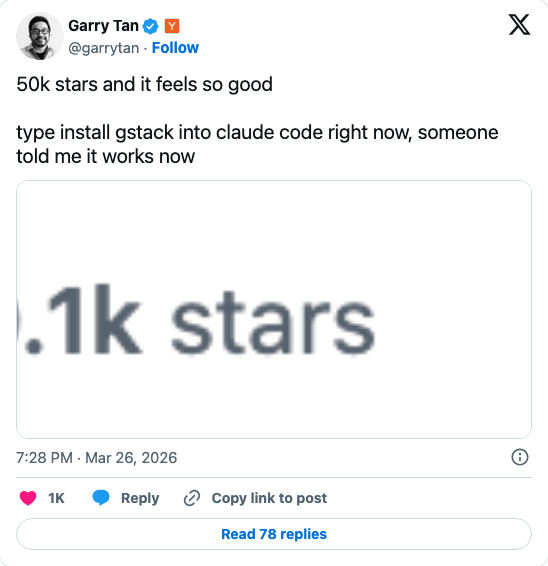
That is the design. And it is why GStack — Garry Tan’s open-source Claude Code skill setup — has accumulated 82,700 stars and 12,000 forks on GitHub since its March 2026 launch.
For context: Garry Tan is the President and CEO of Y Combinator. When the person who has reviewed more startups than almost anyone else on earth open-sources the exact AI development workflow that runs his code, developers pay attention. They also argue about it extensively on Hacker News.
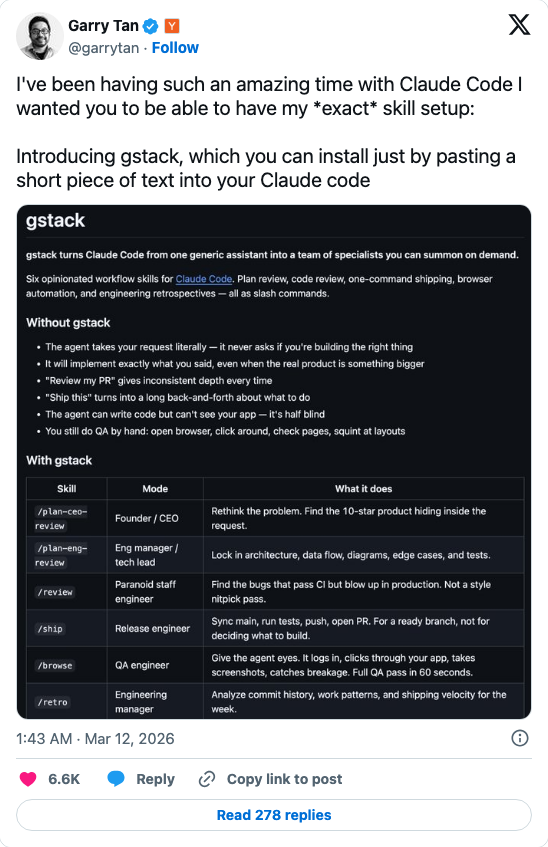
This guide explains what GStack actually does, how it compares to oh-my-openagent and other harnesses, why the “it’s just prompts” criticism misses the point, and whether it belongs in your workflow.
What GStack Actually Does: The 23 Skills
GStack is not a new coding assistant. It is a collection of CLAUDE.md skills — structured instructions that give Claude Code specialist personas. Install it in your project, and Claude Code gains access to 23 tools that simulate an engineering team.
The roles divide into recognizable job functions:
Planning and Strategy
/office-hours— Product interrogation with forcing questions. Challenges your idea before you build it. The “skeptical PM” experience./plan-ceo-review— Strategic scope challenge. Asks whether you are solving the right problem./plan-eng-review— Architecture and testing challenge. Finds the assumptions in your technical plan./plan-design-review— Design system audit. Catches “AI slop” — visual patterns that look fine locally but break at scale./plan-devex-review— Developer experience review of the plan./autoplan— Runs CEO, Engineering, and DevEx review in sequence automatically.
Design and Implementation
/design-consultation— In-depth design guidance before writing code./design-shotgun— Fast visual mockup generation./design-html— HTML/CSS design artifact generation./review— Code review targeting security issues, bugs, and architectural concerns./investigate— Root-cause debugging with structured reasoning.
Testing and Quality
/qa— Live browser testing with fixes applied inline./qa-only— Bug reporting without code modification./cso— Security audit applying OWASP Top 10 and STRIDE threat modeling.
Release and Deployment
/ship— PR creation with test verification./land-and-deploy— Merge to main and production deployment verification./document-release— Automatic changelog and documentation updates.
Additional Tools
/browse,/canary,/benchmark,/retro,/codex,/pair-agent,/learn
The /codex skill deserves a separate mention: it adds OpenAI Codex as a parallel review engine inside Claude Code, giving you cross-model code review without leaving your terminal.
The Conductor: Parallelizing Everything
The skills above run inside a single Claude Code session. The Conductor is different — it coordinates multiple Claude Code sessions running simultaneously in isolated workspaces.
Garry Tan describes a typical Conductor workflow: one session running /office-hours on a new idea, another doing /review on an open PR, a third implementing a feature, a fourth running /qa on staging. Each session gets its own git worktree, its own context window, and its own task scope.
This is the part that makes GStack genuinely novel compared to a folder of CLAUDE.md prompts. Conductor is multi-agent orchestration built into the harness — not a separate tool you have to wire up yourself.
For developers working on complex products with multiple parallel workstreams, the practical implication is significant: you can run sprint planning, feature implementation, and QA review simultaneously without context-switching or session pollution.
The Productivity Claim: 810×
Garry Tan has shared a specific productivity metric: his 2026 development pace is approximately 810× his 2013 baseline. The 2013 number is 14 logical lines of code per day. The 2026 number is approximately 11,417.
This claim gets cited constantly and criticized constantly. A few things worth understanding:
The metric is “logical LOC,” not raw lines. Raw line counts are meaningless with AI assistance because AI tends to generate verbose code. Logical LOC attempts to measure meaningful changes — new behaviors, not reformatted whitespace. This is a more honest metric than it first appears.
The 2013 baseline is a single-developer comparison. Tan is comparing his own productivity in 2013 (pre-AI) against his own productivity in 2026 (with GStack). This is not a controlled experiment. It is an honest data point about one developer’s experience.
The claim does not hold for all workflows. The TechCrunch analysis notes that developers working on deeply novel algorithms, hardware-adjacent code, or highly regulated domains see much smaller gains. GStack’s specialist roles are optimized for product and web application development — the kind of work YC startups do.
What is not in dispute: developers who ship SaaS products are seeing meaningful velocity improvements from structured AI agent roles. The HN discussion records multiple developers confirming real productivity gains, even if none are claiming 810×.
The “Just Prompts” Criticism
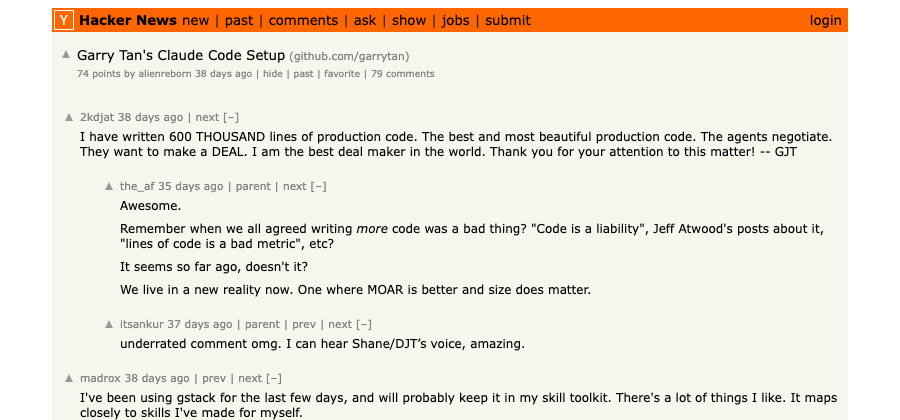
The most common dismissal of GStack is that it is “a bunch of prompts in a text file.” Mo Bitar and others have argued that developers already have their own informal versions of this and GStack is primarily valuable because of who published it.
This criticism is partially correct and mostly misses the point.
It is correct that the individual skills are, at their core, structured prompts. There is no compiled code, no proprietary API, nothing that prevents someone from reading the CLAUDE.md files and understanding every instruction.
What the criticism misses is that the value is in the system design, not the technology. The insight that drives GStack’s adoption is architectural: separating planning from implementation, using adversarial reviewing roles, and enforcing security audits as a default step before shipping. These are software engineering principles applied to AI agent orchestration.
Experienced teams have internalized these patterns informally for years. Most solo developers and early-stage teams have not. GStack gives them an opinionated, working implementation they can install in 30 seconds.
The CTO testimonial that Garry Tan shared is worth taking at face value:
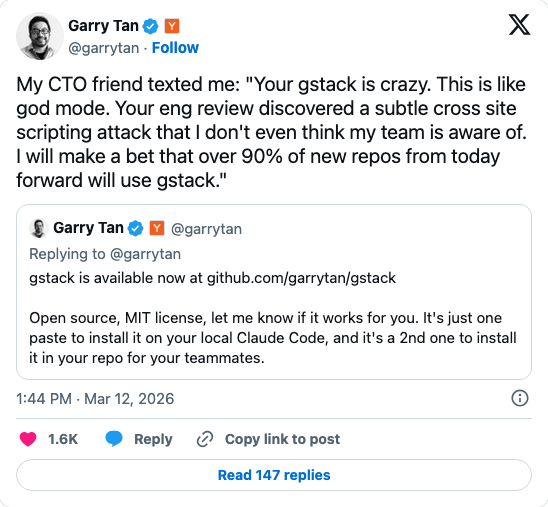
A security audit that runs automatically before every merge is not “just a prompt.” It is a default gate that most teams skip under schedule pressure. GStack makes skipping it harder than doing it.
GStack vs the Field
GStack is not the only Claude Code harness. Here is where it stands compared to the main alternatives:
| GStack | oh-my-openagent | GSD | cc-switch | |
|---|---|---|---|---|
| Stars | 82.7K | 53.9K | 35K | 54K |
| Model lock-in | Claude Code only | Multi-model (Claude, GPT, Gemini, Kimi) | Claude Code first | Model-agnostic config |
| Specialist roles | 23 skills | 11 agents | Spec-driven only | None (config tool) |
| Parallel sessions | Yes (Conductor) | Yes | No | No |
| License | MIT | MIT | MIT | MIT |
| Install complexity | 30 seconds (paste) | npm install | Manual setup | CLI install |
| Best for | Claude Code users, product teams | Teams needing multi-model routing | Spec-first, structured builders | Switching between API providers |
oh-my-openagent takes a fundamentally different approach: it sits above multiple coding agents and routes tasks to the best model for each job. If you need DeepSeek for cost-sensitive tasks and Claude for hard reasoning, OmO handles the routing. GStack is entirely Claude Code native.
GSD (Get Shit Done) focuses on spec-driven development — writing detailed specifications before generating any code. It is a closer philosophical cousin to GStack than OmO, but without the specialist role system. The HN thread shows significant community interest in the spec-first approach.
cc-switch solves a different problem: managing API credentials and switching between Claude Code, OpenAI Codex, and Gemini CLI from a single configuration file. It is a utility, not a harness.
When GStack Wins, When It Does Not
GStack works best for:
- Solo developers building SaaS or web products who want access to adversarial review without a senior team
- Early-stage startups where there is no dedicated QA, security reviewer, or architect
- Developers already on Claude Code with Anthropic API access — the zero-friction install is the key advantage
- Teams shipping fast where the default tendency is to skip review steps under deadline pressure
GStack is probably the wrong choice if:
- You need multi-model routing — OmO’s ability to route tasks to the cheapest or most capable model for each job type is more valuable if you are cost-sensitive or model-agnostic
- Your team already has strong review culture — GStack’s specialist roles replace informal processes; teams with mature code review may find it redundant
- You are on OpenCode or another non-Claude agent — GStack’s skills are CLAUDE.md-native and require Claude Code to run
- You work in embedded, firmware, or highly regulated domains — the specialist roles are calibrated for web product development
Getting Started in 30 Seconds
GStack lives at github.com/garrytan/gstack and the official site is gstacks.org. Installation is deliberately frictionless:
- Open Claude Code in your terminal
- Type:
Install GStack - Claude Code fetches the install script and adds the skills to your CLAUDE.md
To install it for your whole team (so everyone on the repo gets the skills), run a second install that adds GStack to your repository’s CLAUDE.md rather than your local config.
Your first three commands after install:
/office-hours— Challenge your current feature idea before you implement it/cso— Run a security audit on your last commit/autoplan— Have the CEO, Eng, and DevEx reviewers challenge your next technical plan before you write a line of code
The full skill reference is in the README. Start with /office-hours — it is the most immediately surprising skill and the one that best demonstrates why the role-decomposition approach works.
The Bottom Line
GStack is not magic. The productivity gains are real but not universal. The 810× number is Garry Tan’s personal experience with a specific class of product work, not a benchmark you will reproduce immediately.
What GStack does reliably: it implements software engineering best practices — adversarial review, security auditing, design critique, spec challenge — as default steps in your Claude Code workflow. Steps that solo developers skip not because they are bad engineers but because there is nobody else in the room.
If you are a Claude Code user building a product, install it. The 30-second install cost is trivially small relative to finding a single XSS vulnerability before it ships to production.
The frontier in AI-assisted development is not a better autocomplete. It is a well-designed team of reviewers who catch the mistakes you were going to make anyway.
Explore alternatives in our roundup of Top 10 AI Coding Agents in 2026.
New to agent concepts? Start with What Are AI Agents?
Stay in the loop
Stay updated with the latest AI agents and industry news.