Field report · · AgentConn Team
Embedded AI Agents Are Everywhere: How Google, Microsoft & More Are Building Agents Into Your Apps
The shift from standalone AI agents to embedded AI agents built into your existing apps is accelerating. See how Google Gemini, Microsoft Copilot, and others are integrating agents directly into productivity tools — and what it means for you.
The Agent Invasion You Didn’t Notice
The inflection point arrived with GPT-5.4. Sam Altman announced native computer use capabilities baked directly into the model — meaning AI agents can now interact with applications the same way humans do.
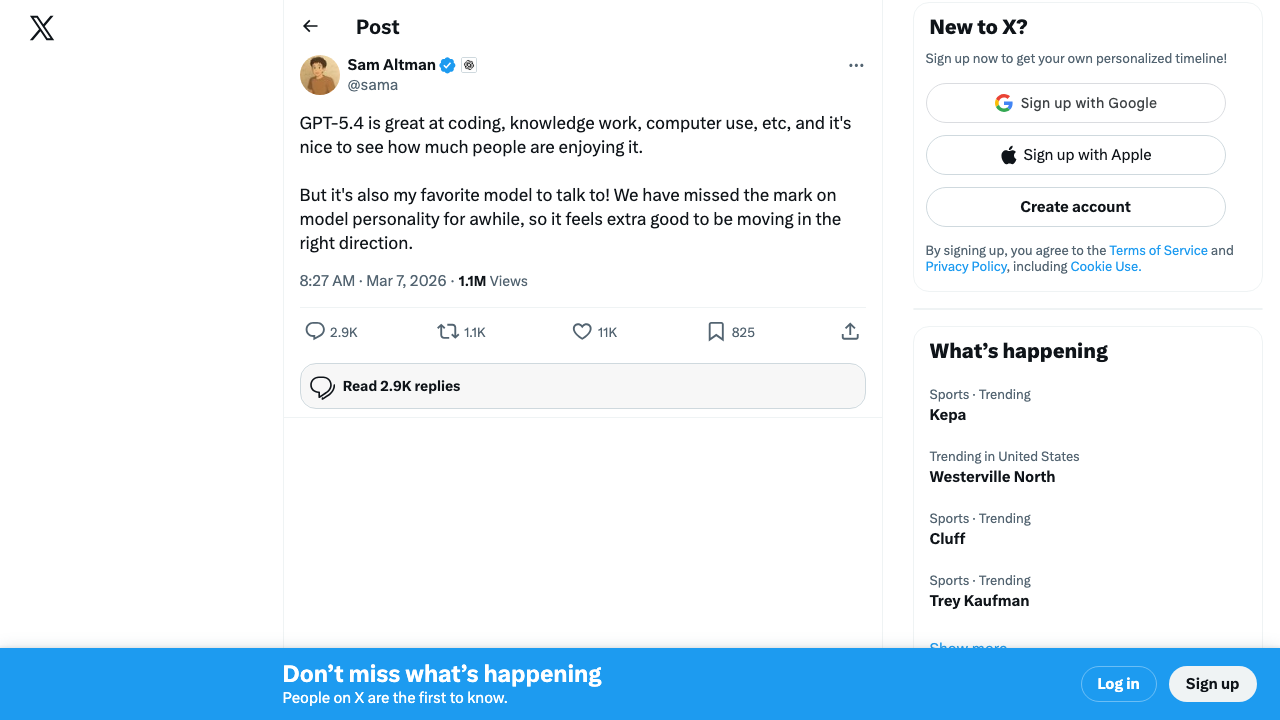 Source: @sama on X — the announcement that put “embedded agents” into the mainstream conversation
Something important happened this week: Google, Microsoft, and ElevenLabs all announced deeper AI agent integration inside their existing products — within days of each other. That’s not a coincidence. It’s a signal.
The era of standalone AI agents — tools you visit separately, paste context into, and copy results out of — is giving way to something more seamless. AI agents are moving inside the apps you already use. Your word processor, your spreadsheet, your design tool, your communication platform — they’re all getting agents embedded directly into the workflow.
This isn’t just a feature update. It’s a fundamental shift in how AI reaches users, and it changes the calculus for anyone deciding where to invest their time learning AI tools.
Google Workspace Gemini: Agents for 300 Million Users
Google’s latest Workspace announcements push Gemini from a helpful sidebar into an active participant across Docs, Sheets, Slides, and Drive. This isn’t the “summarize this document” era anymore — Gemini in Workspace now acts as an agent that can take multi-step actions across your files.
What’s new: Gemini can now research topics across your Drive, pull relevant data into Sheets, draft presentations from document outlines, and orchestrate workflows that span multiple Workspace apps — all without leaving the app you’re working in. The agent understands your organizational context: your files, your team’s documents, your calendar, and your email threads.
Why it matters: Google Workspace has over 300 million paid users. When agents are embedded at that scale, the “adoption problem” that plagues standalone AI tools evaporates. Users don’t need to learn a new tool, set up API keys, or change their workflow. The agent is just there, inside the tool they already open every morning.
The catch: Gemini in Workspace only knows about your Google ecosystem. If your team lives in Notion, Slack, and GitHub, Google’s embedded agent is working with an incomplete picture. Integration depth comes at the cost of integration breadth.
The developer community is already feeling the shift. Omar Sanseviero, who leads AI strategy at HuggingFace, noted that he’s switched his proactive coding agents entirely to Codex — a signal that embedded agents are becoming the default, not standalone tools.
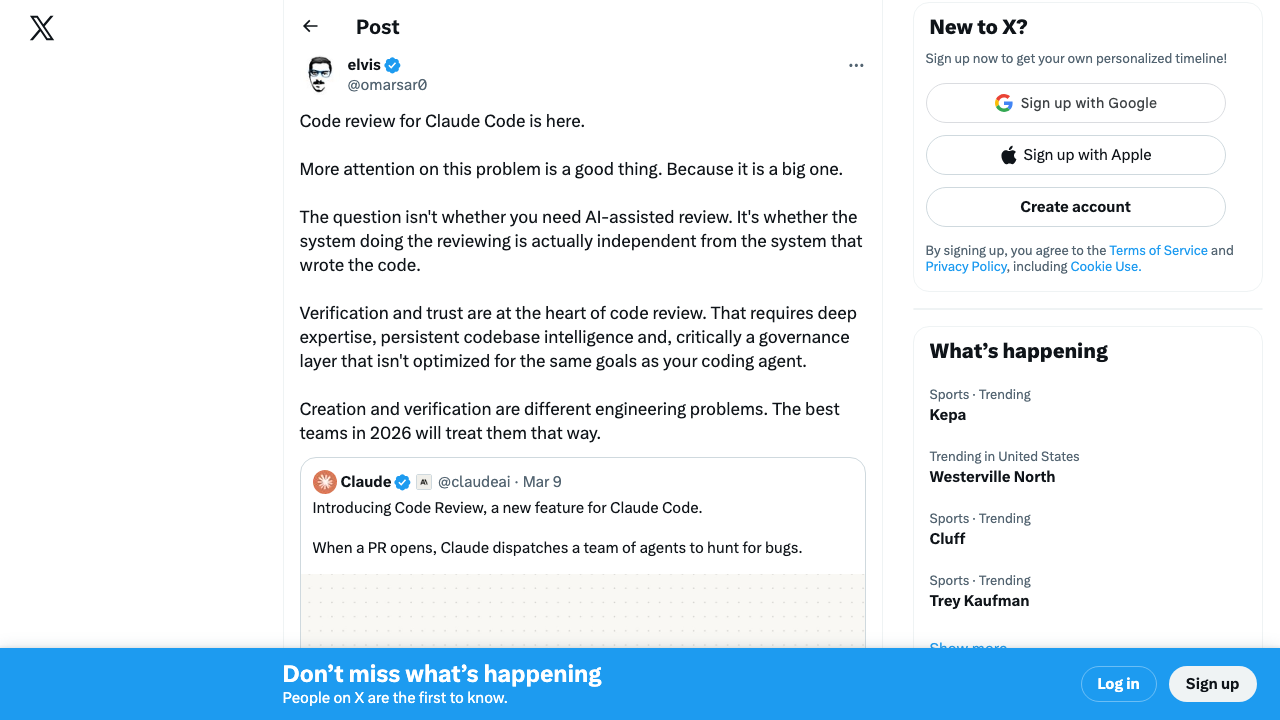 Source: @omarsar0 on X — the shift from standalone to embedded is happening fast
Microsoft Copilot + Claude: The Multi-Model Office
Microsoft made an equally significant move by bringing Anthropic’s Claude into the Microsoft 365 Copilot ecosystem. This isn’t Microsoft replacing its own models — it’s Microsoft acknowledging that different AI models excel at different tasks and giving users access to the best model for each job inside the Office apps they already use.
What’s new: Microsoft 365 Copilot now leverages Claude alongside its existing models, allowing the system to route tasks to the model best suited for them. Complex reasoning tasks, nuanced writing, and detailed analysis can be handled by Claude, while other tasks continue to use Microsoft’s existing model infrastructure — all transparently within Word, Excel, PowerPoint, and Teams.
Why it matters: This is the first major example of a productivity suite offering multi-model AI agents. It signals that the future isn’t about which single model wins — it’s about which platform orchestrates multiple models most effectively. For users, the model powering their agent becomes an implementation detail rather than a choice they need to make.
The catch: Multi-model orchestration adds complexity under the hood. Users may get inconsistent experiences depending on which model handles their request, and debugging unexpected outputs becomes harder when you don’t know which model produced them.
ElevenLabs Flows: Voice Agents Go Embedded
ElevenLabs, known for its industry-leading voice AI, launched Flows — an agent-building platform embedded directly inside the ElevenCreative suite. Instead of requiring developers to connect ElevenLabs’ API to external agent frameworks, Flows lets users build conversational AI agents with voice capabilities directly inside the ElevenLabs platform.
What’s new: Flows provides a visual builder for designing multi-turn conversational agents that can handle phone calls, customer interactions, and voice-driven workflows. The agents have native access to ElevenLabs’ voice synthesis and voice cloning — no API glue required.
Why it matters: Voice agents have been one of the hardest agent types to build because they require integrating speech-to-text, language models, and text-to-speech into a seamless real-time pipeline. By embedding the agent builder inside the voice platform, ElevenLabs collapses that complexity into a single tool.
The remote-control paradigm is also emerging. Developers are building agents that control other applications from the outside — like this demonstration of remotely controlling Claude Code from a separate interface.
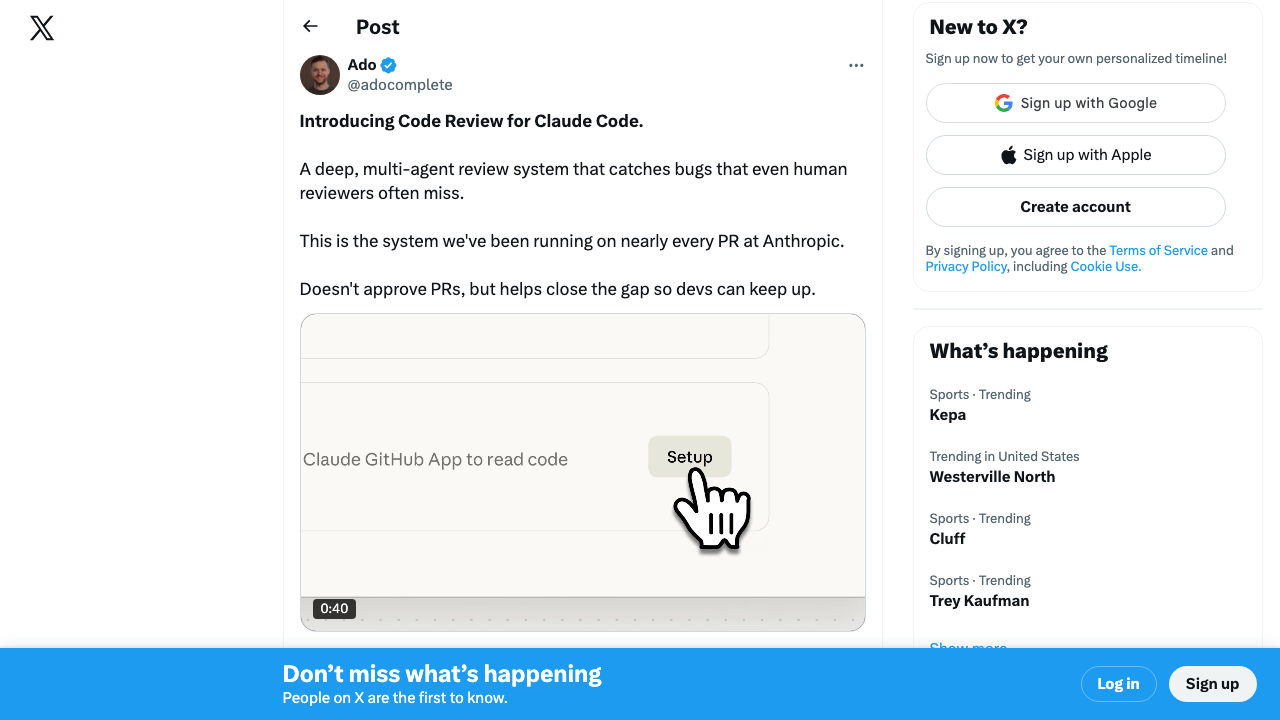 Source: @adocomplete on X — the “agent controlling agent” pattern is becoming real
Meanwhile, Austen Allred (formerly Lambda School, now BloomTech) captured the broader economic shift: we’re entering an era of “autonomous computing” where agents are embedded at every layer of the software stack.
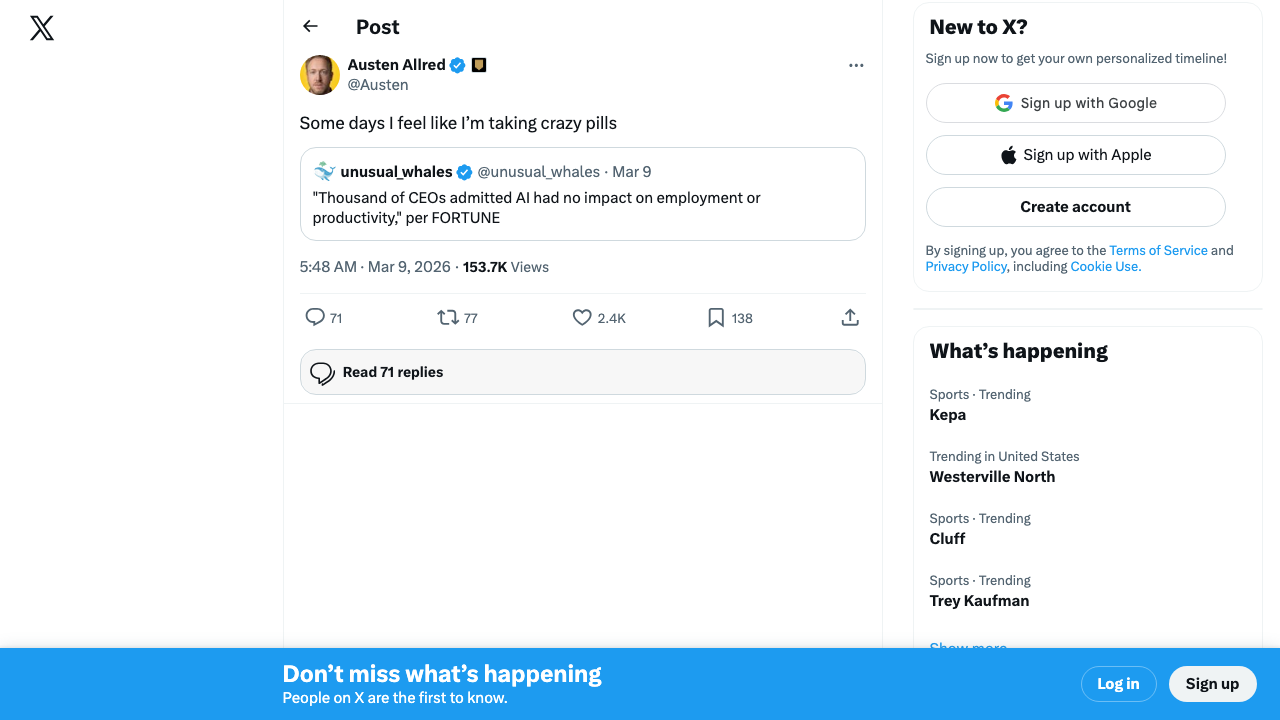 Source: @Austen on X
The Broader Pattern: Everyone’s Doing This
Google, Microsoft, and ElevenLabs aren’t outliers. They’re riding a wave that’s swept through nearly every major productivity platform:
- Notion AI — Agents that search your workspace, generate content, and automate tasks across databases, docs, and projects without leaving Notion
- Canva Magic Studio — AI agents for design generation, background removal, text-to-image, and brand-consistent content creation — all inside the Canva editor
- Adobe Firefly — Generative AI agents embedded across Photoshop, Illustrator, and Premiere Pro for image generation, style transfer, and video editing assistance
- Slack AI — Agents that summarize channels, answer questions about your organization’s conversation history, and automate workflows within Slack
- GitHub Copilot — Code agents embedded in VS Code and JetBrains IDEs that write, review, debug, and explain code in your editor
- Salesforce Einstein — AI agents embedded across the CRM for lead scoring, email drafting, forecasting, and customer interaction analysis
The pattern is unmistakable: if you make a productivity tool, you’re building agents into it.
Embedded AI Agents: The Comparison Table
| App | Embedded Agent | Key Agent Capabilities | Model(s) Used | Availability |
|---|---|---|---|---|
| Google Workspace | Gemini | Cross-app workflows, research, drafting, data analysis | Gemini | Workspace plans |
| Microsoft 365 | Copilot + Claude | Document creation, analysis, multi-model routing | GPT-4o, Claude | M365 Copilot license |
| Notion | Notion AI | Workspace search, writing, database automation | Multiple | Free tier + paid |
| Canva | Magic Studio | Design generation, brand AI, text-to-image | Proprietary + partners | Free tier + paid |
| Adobe Creative Cloud | Firefly | Image generation, style transfer, video assist | Firefly | Creative Cloud plans |
| Slack | Slack AI | Channel summaries, search, workflow automation | Multiple | Slack paid plans |
| GitHub | Copilot | Code generation, review, debugging, chat | GPT-4o, Claude | Free tier + paid |
| Salesforce | Einstein | Lead scoring, email drafting, forecasting | Multiple | Enterprise plans |
| ElevenLabs | Flows | Voice agent building, conversational AI | Proprietary + LLMs | ElevenLabs plans |
Embedded vs. Standalone Agents: The Real Trade-offs
The shift toward embedded agents doesn’t mean standalone agent platforms like ChatGPT, Claude, or purpose-built tools in our agent directory are obsolete. Each approach has genuine strengths and weaknesses.
Why Embedded Agents Win
Zero context switching. The most powerful feature of embedded agents isn’t the AI — it’s the location. When the agent lives inside your editor, your spreadsheet, or your design tool, you never break flow. You don’t copy-paste context into a separate window. You don’t Alt-Tab between tools. The AI meets you where you already work.
Deep data integration. An embedded agent in Google Workspace can access your Drive, your email, your calendar, and your team’s shared files. A standalone agent can only work with what you give it. This native data access makes embedded agents dramatically better at context-aware tasks.
Lower learning curve. If you already know how to use Notion, you already know 80% of how to use Notion AI. Embedded agents inherit the UX patterns of their host application, making them accessible to users who would never sign up for a standalone AI tool.
IT and security alignment. For organizations, embedded agents inherit the security, compliance, and access controls of the platform they’re built into. No new vendor to evaluate, no new data sharing agreement to sign, no new tool to provision.
Why Standalone Agents Still Matter
Flexibility across tools. Standalone agents aren’t locked into one ecosystem. An agent built on an open platform can work with your Google Docs and your Notion databases and your GitHub repos. Embedded agents typically can’t cross application boundaries.
Deeper specialization. A standalone coding agent built specifically for software development is likely more capable than a general-purpose Copilot feature bolted onto an office suite. Purpose-built tools tend to outperform embedded features at specialized tasks.
No vendor lock-in. When your AI workflow is embedded in Google Workspace, switching to Microsoft 365 means rebuilding your entire AI workflow. Standalone agents are platform-independent — your prompts, workflows, and automations transfer with you.
Power and customization. Standalone agents typically offer more control over model selection, system prompts, tool use, and workflow design. Embedded agents trade customization for convenience.
When Should You Use Each?
Use embedded agents when:
- The task lives entirely within one application (writing in Docs, analyzing in Sheets, designing in Canva)
- You need the agent to understand your existing data and context
- You want the lowest friction path to AI-assisted work
- Your team isn’t technically sophisticated and needs AI to “just work”
Use standalone agents when:
- Your workflow spans multiple tools and platforms
- You need deep specialization (complex coding, research, data analysis)
- You want full control over the AI’s behavior and model selection
- You’re building custom automations or agent-to-agent workflows
- You want to avoid vendor lock-in
Use both when (this is the right answer for most people):
- Use embedded agents for quick, in-context tasks throughout your day
- Use standalone agents for complex, cross-platform, or specialized work
- Think of embedded agents as your everyday assistant and standalone agents as your specialist consultant
What the Community Is Building
The Hacker News discussion around OpenCode — an open-source AI coding agent — shows the appetite for embedded agent experiences that aren’t locked to any single vendor.
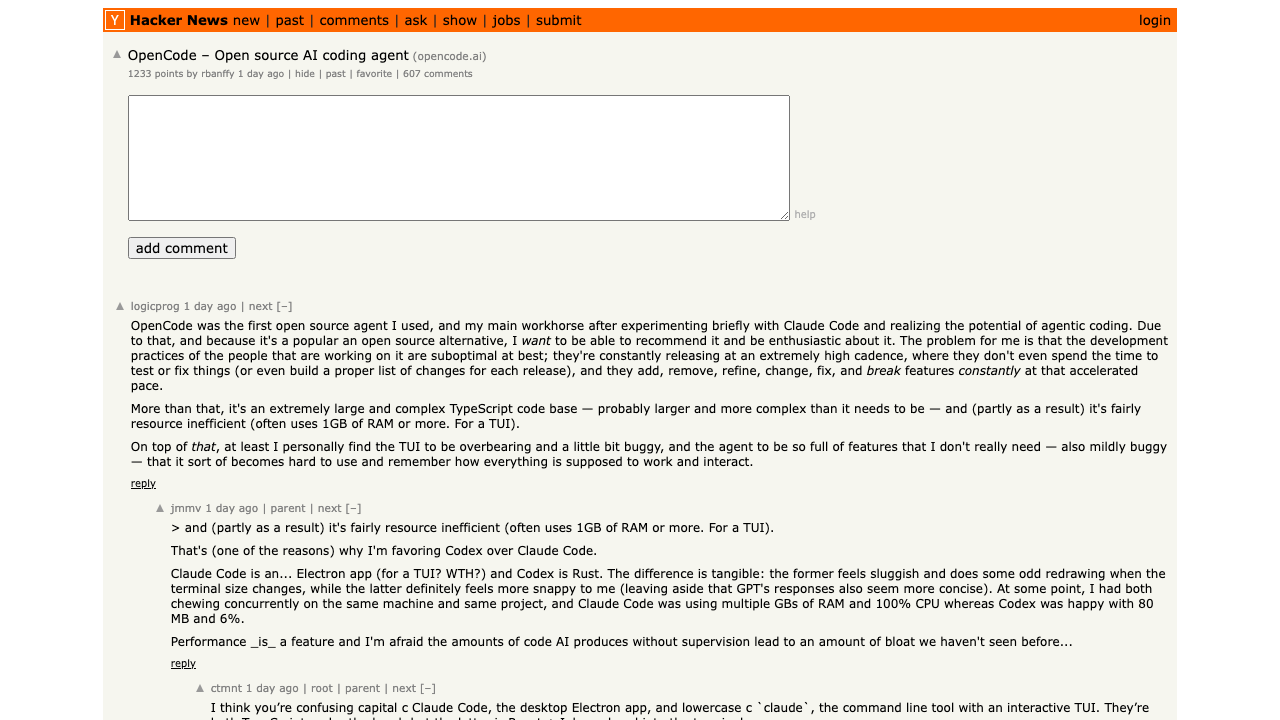 Source: Hacker News — the open-source alternative to vendor-locked embedded agents
What This Means for the AI Agent Landscape
The embedded agent wave has three implications worth watching:
1. Distribution wins. The best AI model doesn’t automatically win the market — the best-distributed AI does. Google putting Gemini in front of 300 million Workspace users matters more for adoption than any benchmark score. This is the browser wars playbook applied to AI.
2. The “good enough” threshold. For most users, an embedded agent that handles 80% of use cases inside their existing tool will beat a standalone agent that handles 95% but requires learning a new tool. Convenience isn’t a compromise — for mainstream adoption, it’s the whole game.
3. Standalone agents must go deeper. As embedded agents handle the common cases, standalone agent platforms need to differentiate on depth, specialization, and cross-platform capability. The standalone agents that survive will be the ones that do things embedded agents genuinely can’t.
The Bottom Line
AI agents are no longer a separate category of software you go out and find. They’re becoming a feature of every tool you already use. This week’s announcements from Google, Microsoft, and ElevenLabs aren’t isolated product updates — they’re data points in a clear trend.
For users, this is unambiguously good. More capable tools, less context switching, lower learning curves. For the standalone agent ecosystem, it’s a wake-up call to specialize or integrate.
The question isn’t whether you’ll use AI agents — you probably already are, even if you don’t call them that. The question is whether you’re using the right agents, in the right places, for the right tasks.
Explore the full landscape of AI agents — both embedded and standalone — in our agent directory to find the tools that fit your workflow.