Field report · · AgentConn Team
Best Self-Hosted AI Agents You Can Run Locally in 2026 (Privacy, Cost & Control)
A curated guide to the best AI agents and models you can self-host in 2026. From NVIDIA Nemotron to Ollama-powered agents, discover what runs on your hardware — with full privacy, zero API bills, and no data leaving your machine.
Why Self-Hosted AI Agents Are Having Their Moment
The cloud-first era of AI is hitting a wall — and it’s not a technical one. It’s a trust wall. Enterprises are waking up to the reality that every prompt sent to an API endpoint is data they no longer control. Developers are tired of usage-based pricing that punishes success. And a growing number of individuals simply don’t want their conversations, code, and documents flowing through someone else’s servers.
The conversation is shifting fast. Jason Calacanis put it bluntly this week: the divide is between those who own their compute and those who gift their companies to corporate LLMs.
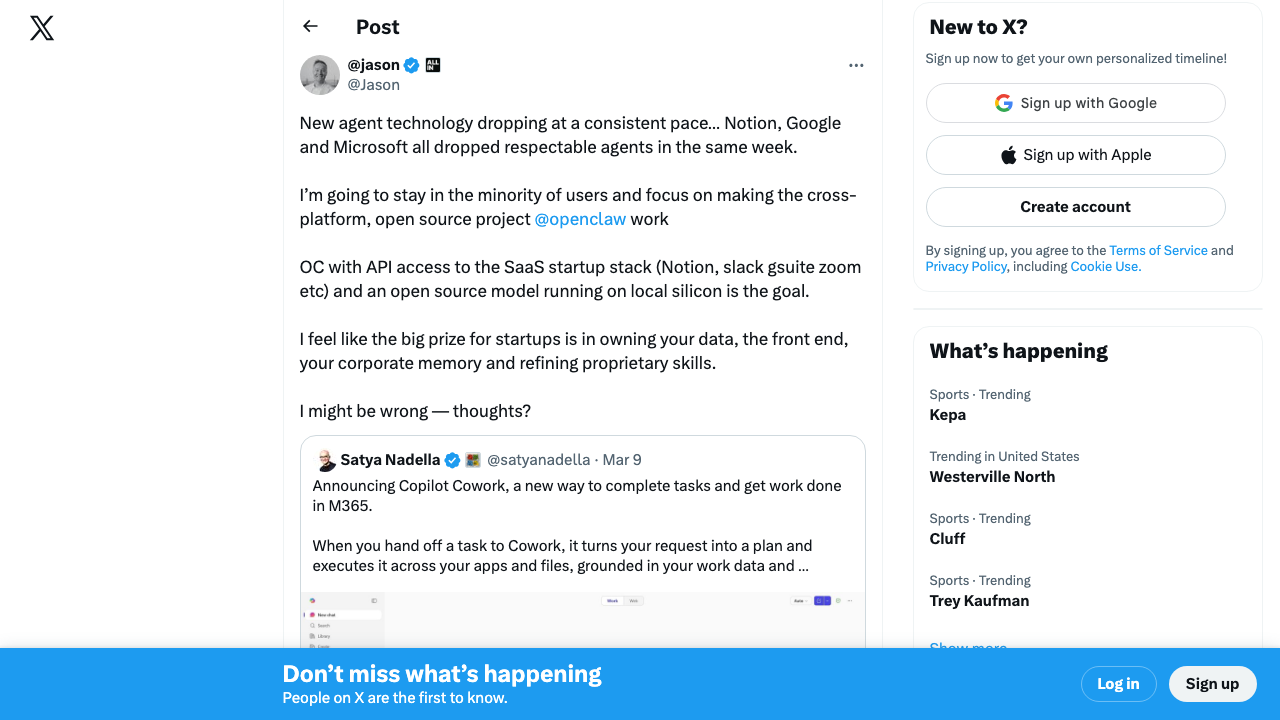 Source: @Jason on X — 183 ❤️, 41K views
In 2026, self-hosted AI has gone from a hobbyist curiosity to a legitimate alternative. The models are good enough. The hardware is finally accessible enough. And the tooling has matured to the point where running a capable AI agent on your own machine is no longer a weekend project — it’s a reasonable Tuesday afternoon setup.
This guide covers the best AI agents and models you can run locally right now, what hardware you actually need, and whether the economics make sense for your situation.
The Hardware Landscape: What Can You Actually Run?
Before we get to the models, let’s talk about the elephant in the room: hardware. The quality of your local AI experience is determined almost entirely by how much memory you have and how fast you can feed tokens through it.
Mac Studio with Apple Silicon (M2 Ultra / M4 Ultra — 96-192GB Unified Memory)
Apple’s unified memory architecture remains the most accessible path to running large models locally. A Mac Studio with an M4 Ultra and 192GB of unified memory can comfortably run 70B parameter models at reasonable speeds, and even handle quantized versions of larger models. The M2 Ultra with 192GB is now available refurbished at significantly lower prices, making it the sweet spot for many local AI enthusiasts.
Can run: Up to 70B models at full quality, 120B+ models with quantization. Ollama, LM Studio, and llama.cpp all run natively on Apple Silicon with excellent Metal GPU acceleration.
Typical cost: $4,000-$7,000 depending on configuration and whether you buy new or refurbished.
Gaming PC with NVIDIA RTX 4090 / 5090 (24-32GB VRAM)
A high-end gaming PC with a single RTX 4090 (24GB VRAM) or the newer RTX 5090 (32GB VRAM) is faster per-token than Apple Silicon for models that fit entirely in VRAM. The constraint is memory — 24GB limits you to roughly 13B models at full precision, or 30-34B models with aggressive quantization.
Can run: 7B-13B models at full quality with room to spare. 30B+ models with 4-bit quantization. Dual-GPU setups extend this significantly but add complexity.
Typical cost: $2,500-$4,500 for a capable rig. The GPU alone is $1,600-$2,000.
NVIDIA DGX Spark (128GB Unified Memory, Grace Blackwell Architecture)
The new entrant that changes the calculus. NVIDIA’s DGX Spark is a desktop-class AI workstation with 128GB of unified CPU+GPU memory on the Grace Blackwell platform. It’s explicitly designed for running large models locally — and it’s the reason NVIDIA’s Nemotron 3 Super exists in the form it does (more on that below).
Matthew Berman’s hands-on with the DGX Station GB300 — 700GB+ of unified memory for running frontier-level models locally.
Can run: 120B+ MoE models comfortably. Full-precision 70B models with headroom. Multiple concurrent model instances for agent pipelines.
Typical cost: Starting around $3,000 — surprisingly competitive given the capability. This is not a data center product masquerading as a workstation; it’s genuinely designed for desk deployment.
The Budget Path: Mini PCs and Older Hardware
Don’t sleep on the budget options. A used Mac Mini M2 Pro with 32GB (under $1,000) or a system with 64GB of RAM and an RTX 3090 (24GB VRAM) can run 7B-13B models that are genuinely useful for coding assistance, writing, and basic agentic tasks. Not every use case needs a 70B model.
The Best Self-Hosted AI Agents and Models
1. NVIDIA Nemotron 3 Super (120B MoE — The Headliner)
NVIDIA GTC 2026: Jensen Huang unveils the Nemotron 3 Super model alongside the DGX Spark desktop workstation — the hardware-software combination that makes self-hosted frontier AI practical.
This is the model that made self-hosted AI a serious conversation in boardrooms. Nemotron 3 Super is a 120B parameter Mixture-of-Experts model that only activates roughly 12B parameters per token. That architectural choice is the whole story: you get the knowledge capacity of a 120B model with the inference speed and memory footprint of a much smaller one.
Why it matters for local deployment: The MoE architecture means Nemotron 3 Super runs comfortably on the DGX Spark’s 128GB unified memory, and can even squeeze onto a 192GB Mac Studio. You’re getting frontier-adjacent capability on hardware that sits on your desk and draws power from a standard outlet.
What it’s good at: General reasoning, coding, instruction following, and structured data tasks. NVIDIA trained it with a focus on enterprise-relevant capabilities — think document analysis, code generation, and multi-step problem solving.
How to run it: Available through NVIDIA’s NIM containers for optimized inference, and also available in GGUF format for llama.cpp/Ollama. The NIM route gives you better performance; the Ollama route gives you simplicity.
The honest take: Nemotron 3 Super is not beating Claude or GPT-4o on the hardest reasoning benchmarks. But it’s within striking distance for 80% of practical tasks, and it’s running on your hardware, with your data staying on your machine. That trade-off is increasingly attractive.
2. Llama 3.3 70B (Meta — The Reliable Workhorse)
Meta’s Llama 3.3 70B remains the gold standard for self-hosted general-purpose AI. It’s been available long enough that the ecosystem is deeply optimized for it — every inference engine, every quantization scheme, every fine-tuning toolkit supports it as a first-class citizen.
Hardware requirements: Runs well on a Mac Studio with 96GB+ unified memory, or a DGX Spark. On NVIDIA GPUs, you’ll need at least 48GB VRAM (dual RTX 4090s) or use CPU offloading with plenty of system RAM.
Why it still wins: Community. The Llama ecosystem is enormous. Fine-tuned variants exist for every niche — medical, legal, coding, creative writing. Tooling like Ollama and LM Studio have Llama optimization baked into their DNA. When something goes wrong, someone on Reddit has already fixed it.
Best for: Users who want a proven, well-supported model with extensive community resources and fine-tuned variants for specialized tasks.
3. DeepSeek-V3 / DeepSeek-R1 (Open-Weight Reasoning)
DeepSeek’s open-weight models brought genuine frontier reasoning capability to the self-hosted world. DeepSeek-R1, in particular, demonstrates chain-of-thought reasoning that competes with proprietary models on math, coding, and complex analytical tasks.
The catch: The full models are large — DeepSeek-V3 is 671B parameters (MoE with 37B active). Running the full model locally requires serious hardware. However, distilled versions (8B, 14B, 32B, 70B) are available and run on standard consumer hardware through Ollama.
Best for: Users who need strong reasoning capabilities and are willing to use distilled versions, or who have access to multi-GPU setups for the full model.
The open-weight movement keeps accelerating. Sebastian Raschka highlighted two strong open-weight reasoning models from India this week — a signal that self-hosted model quality is going multipolar fast.
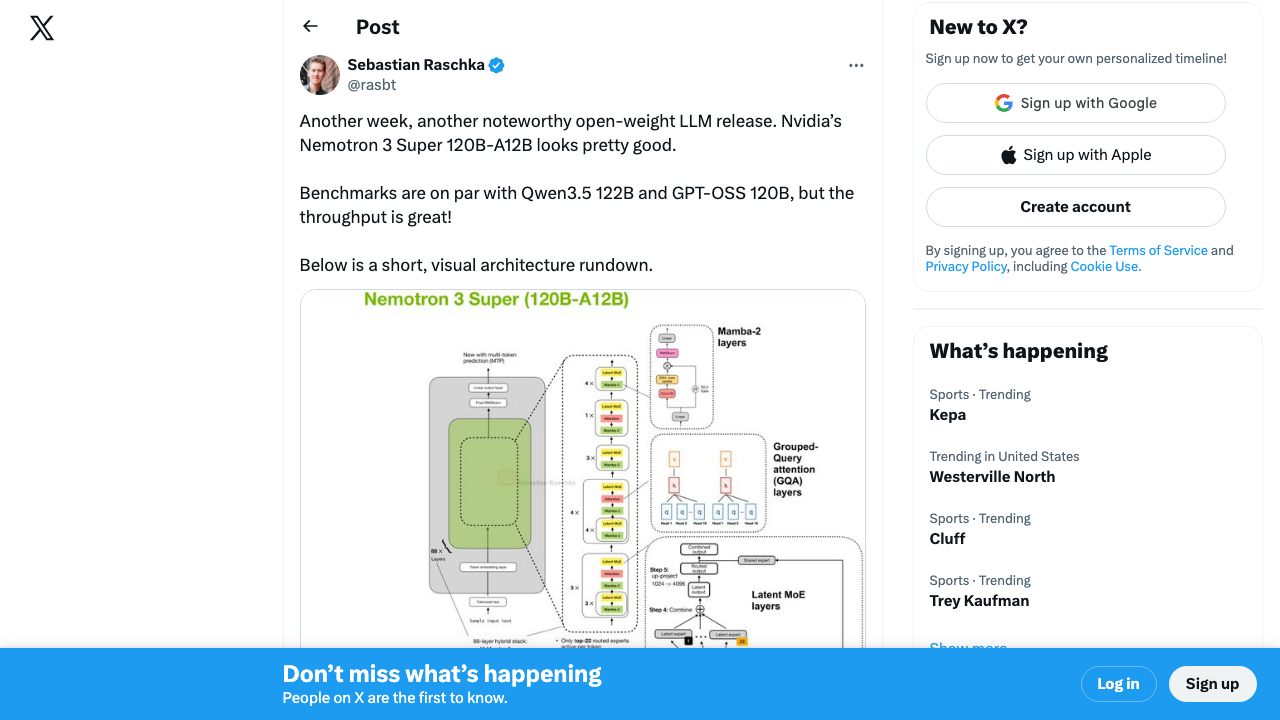 Source: @rasbt on X — 2,188 ❤️, 94K views
4. Qwen 2.5 Coder 32B (Local Coding Agent)
If your primary use case is coding assistance, Qwen 2.5 Coder 32B is arguably the best model you can run locally. It outperforms many larger general-purpose models specifically on code generation, completion, and debugging tasks.
Hardware requirements: Fits comfortably in 24GB VRAM (RTX 4090) with 4-bit quantization, or runs smoothly on any Mac with 64GB+ unified memory.
Why a specialist wins here: General-purpose models spread their capacity across many domains. Qwen 2.5 Coder concentrates it where it matters for developers. The result is faster, more accurate code generation with better understanding of project context.
Pairs well with: Continue.dev (open-source AI code assistant that connects to local models), Aider (terminal-based AI pair programming), or Tabby (self-hosted code completion server).
5. Mistral Large 2 / Mixtral (The European Contender)
Mistral continues to punch above its weight. Mistral Large 2 (123B) offers strong multilingual capabilities and reasoning, while the smaller Mixtral 8x22B MoE model provides an excellent balance of capability and efficiency for self-hosted deployments.
Why Mistral matters: If you operate in Europe or handle European data, Mistral’s French origins and GDPR-aligned philosophy aren’t just marketing — they reflect genuine architectural and training choices around data handling. The models also excel at multilingual tasks in ways that American-trained models often don’t.
Hardware requirements: Mixtral 8x22B runs well on 96GB+ systems. Mistral Large 2 needs 128GB+ or aggressive quantization.
The Self-Hosted Ecosystem Is Thriving
The community momentum behind local AI is undeniable. Andrej Karpathy recently open-sourced “autoresearch” — a minimal single-GPU repo that runs 100 ML experiments overnight. The entire program is defined in a Markdown file. This is the kind of tooling that only makes sense in a self-hosted world.
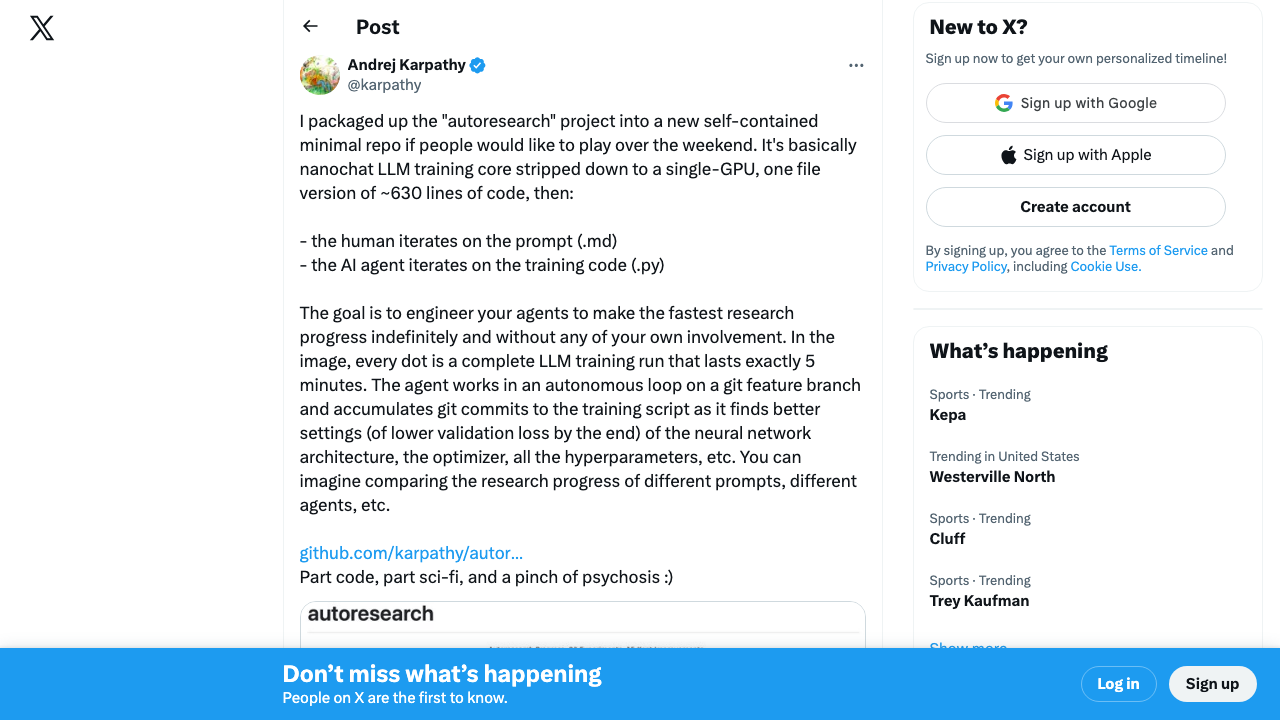 Source: @karpathy on X — 324 ❤️ and climbing fast
Meanwhile, HuggingFace CEO Clément Delangue noted that NVIDIA is now the biggest organization on HuggingFace with 3,881 team members — calling NVIDIA the “new American king of open-source AI.”
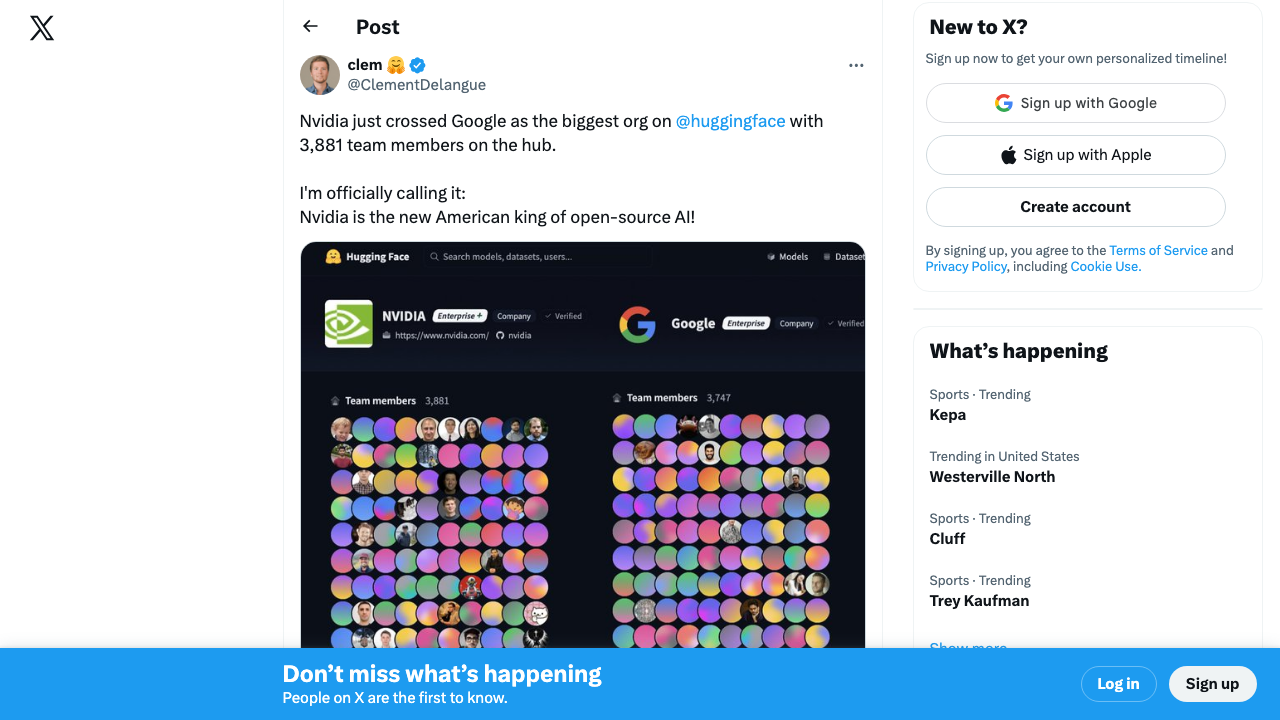 Source: @ClementDelangue on X — 481 ❤️, 43K views
6. Ollama + Open WebUI (The Self-Hosted Platform)
Ollama isn’t a model — it’s the runtime that makes everything else on this list accessible. It handles model downloading, quantization, GPU acceleration, and serves a clean API that dozens of frontends and tools can connect to. Pair it with Open WebUI and you have a self-hosted ChatGPT-like interface that runs entirely on your hardware.
Why it’s essential: Ollama has become the Docker of local AI. One command (ollama run llama3.3) and you’re running a 70B model. The model library includes hundreds of models, all pre-configured and optimized. It supports macOS, Linux, and Windows.
The agent angle: Ollama’s API is compatible with the OpenAI API format, which means most agentic frameworks (LangChain, CrewAI, AutoGen) can point at your local Ollama instance instead of OpenAI’s servers. Your entire agent pipeline runs locally.
7. LocalAI (The API-Compatible Swiss Army Knife)
LocalAI takes a different approach — it’s a drop-in replacement for the OpenAI API that runs locally. If you have applications built against the OpenAI API, you can point them at LocalAI and they work with local models, zero code changes.
Best for: Teams that have existing OpenAI API integrations and want to migrate to self-hosted without rewriting their stack.
8. Jan.ai (Privacy-First AI Assistant)
Jan is an open-source desktop application that brings the polished UX of ChatGPT to local models. It handles model management, conversation history, and provides a clean chat interface — all running offline.
Why it matters: Not everyone wants to run terminal commands. Jan makes local AI accessible to non-technical users who care about privacy but don’t want to learn about GGUF quantization formats.
What the Community Is Saying
The Hacker News discussion around “Can I Run AI Locally?” hit 1,340 points and 323 comments — a massive demand signal from developers actively trying to escape API dependency.
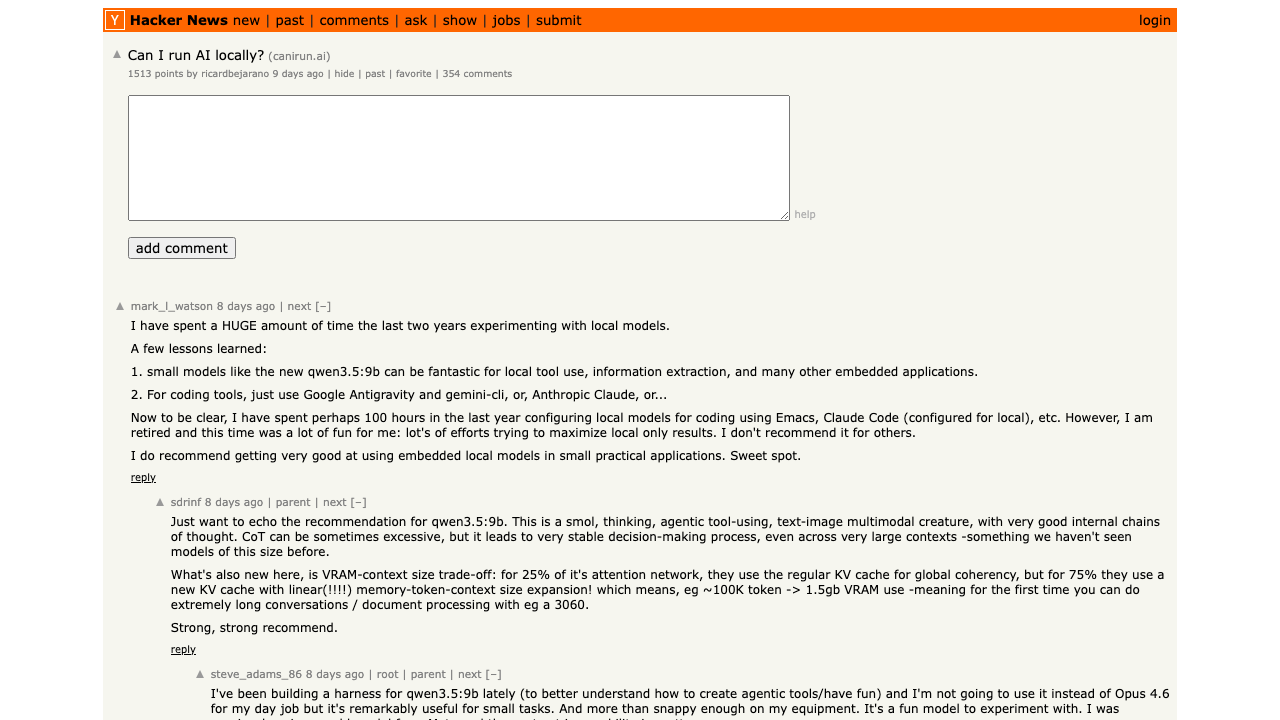 Source: Hacker News — canirun.ai hardware compatibility checker
And NVIDIA’s Greenboost kernel driver — which transparently extends GPU VRAM with system RAM and NVMe — generated serious discussion about the lengths people will go to run bigger models locally.
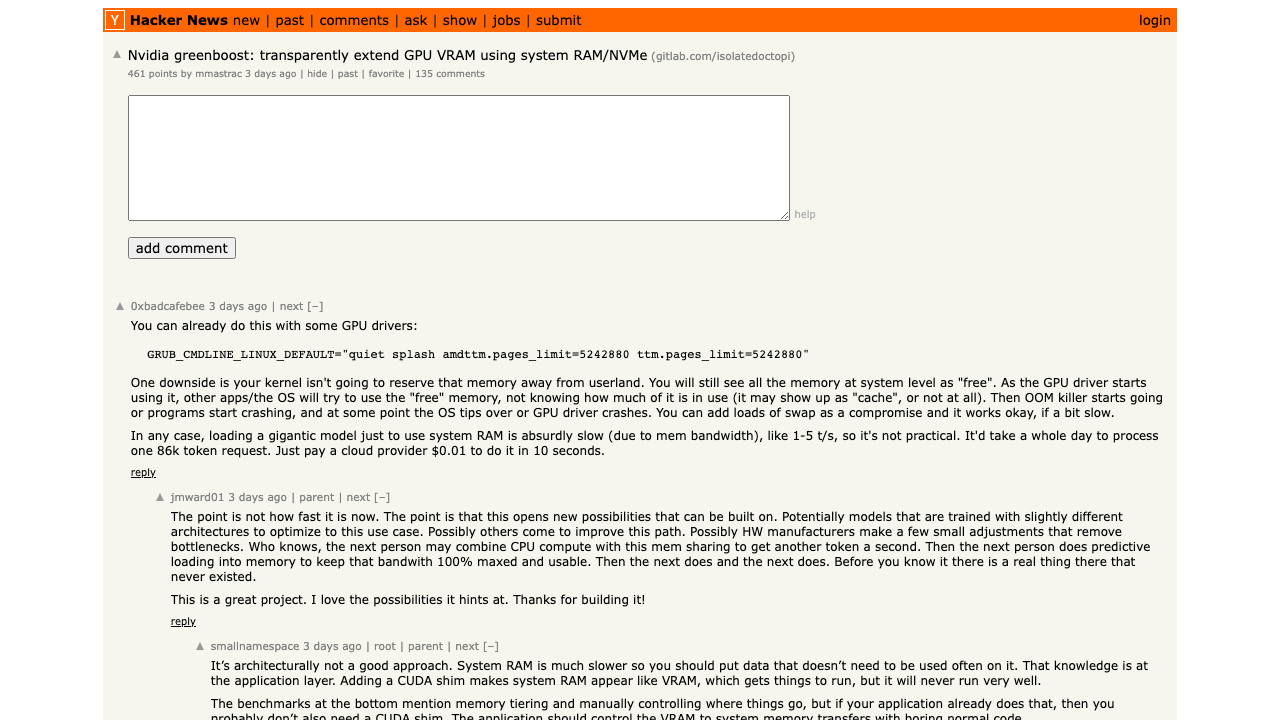 Source: Hacker News — 447 points, 125 comments
Security is also getting real attention. Agent Safehouse — a macOS-native sandboxing tool for running local agents safely — hit 753 points on HN. The community recognizes that self-hosted doesn’t mean self-secured.
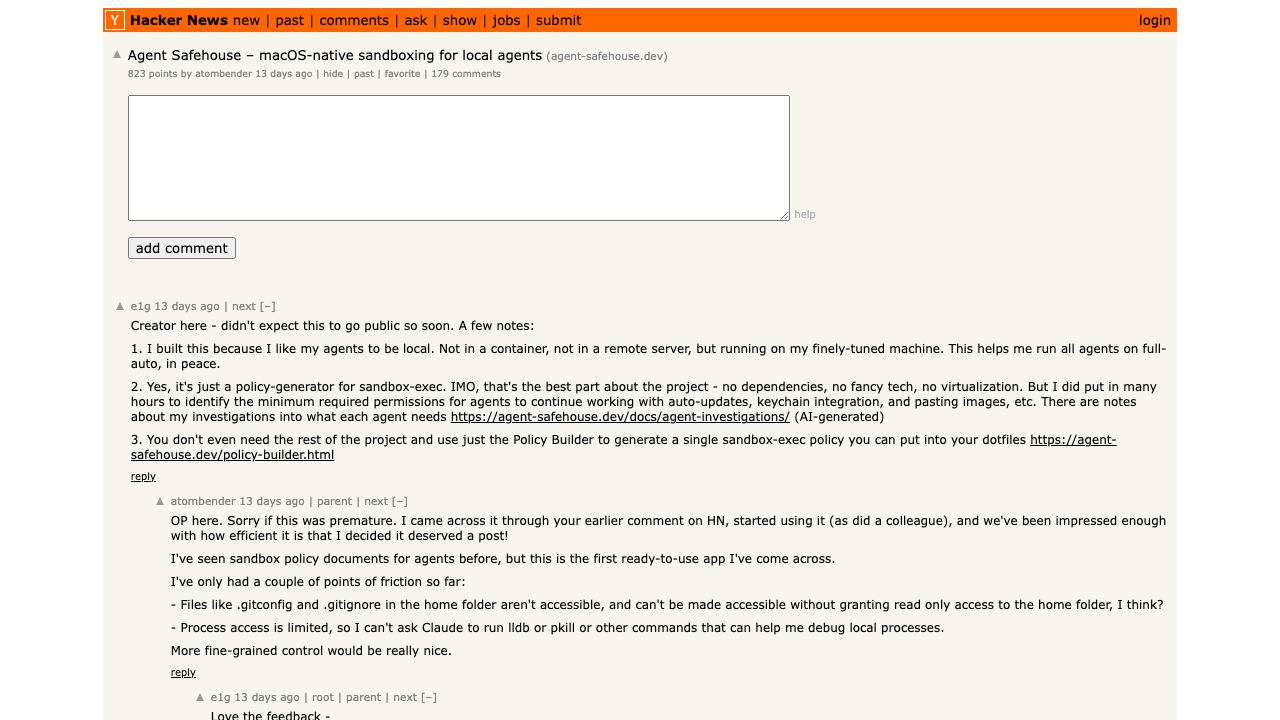 Source: Hacker News — 753 points, 171 comments
The Cost Equation: Cloud vs. Self-Hosted
Let’s do the math that most “run AI locally” articles skip.
Cloud API Costs (Typical Developer Usage)
| Service | Monthly Cost (moderate use) | Annual Cost |
|---|---|---|
| OpenAI GPT-4o API | $50-200/mo | $600-2,400 |
| Claude API (Sonnet) | $30-150/mo | $360-1,800 |
| ChatGPT Pro subscription | $200/mo | $2,400 |
| GitHub Copilot Business | $19/mo | $228 |
A developer or small team using AI heavily can easily spend $3,000-$6,000 per year on API costs and subscriptions.
Self-Hosted Costs (One-Time + Electricity)
| Hardware | Upfront Cost | Annual Electricity | 3-Year Total Cost |
|---|---|---|---|
| Mac Studio M4 Ultra 192GB | $6,999 | ~$150 | ~$7,450 |
| NVIDIA DGX Spark | ~$3,000 | ~$200 | ~$3,600 |
| Gaming PC + RTX 4090 | ~$3,000 | ~$250 | ~$3,750 |
| Mac Mini M2 Pro 32GB (budget) | ~$900 | ~$50 | ~$1,050 |
Break-even analysis: For a single heavy user, the DGX Spark pays for itself in under 12 months compared to cloud API costs. A Mac Studio takes about 18-24 months. For a team of 3-5 developers sharing a self-hosted setup, break-even happens in months, not years.
What cloud still wins at: Burst capacity (you can’t add GPUs to your Mac for a deadline), frontier model access (GPT-4.5, Claude Opus are not available locally), and zero-maintenance convenience.
Privacy and Security: The Real Argument
Cost savings are nice, but let’s be honest about why most organizations are actually looking at self-hosted AI: data control.
When you run models locally:
- No data leaves your network. Prompts, documents, code — everything stays on your machine. No third-party logging, no training data concerns, no Terms of Service changes to worry about.
- Compliance becomes simpler. HIPAA, SOC 2, GDPR — when the AI runs on your infrastructure, it falls under your existing compliance framework rather than requiring additional vendor assessments.
- No outages from provider issues. Your local model doesn’t go down because OpenAI is having a bad day. It works offline, on a plane, in an air-gapped environment.
- No surprise policy changes. You won’t wake up to an email saying your AI provider changed their data retention policy or started using your inputs for training.
The trade-off is real though: You’re responsible for your own security, updates, and model management. There’s no provider to call when something breaks. And the models you can run locally are behind the frontier — that gap is narrowing, but it exists.
Who Should (and Shouldn’t) Self-Host
Self-hosting makes sense if you:
- Handle sensitive data (medical, legal, financial, proprietary code)
- Have predictable, steady AI usage that justifies hardware investment
- Need offline or air-gapped AI capability
- Want to fine-tune models on your own data without uploading it anywhere
- Are building products that need a local AI component
Stick with cloud APIs if you:
- Need absolute frontier model performance (hardest reasoning, most creative generation)
- Have bursty, unpredictable usage patterns
- Don’t want to manage hardware or troubleshoot inference issues
- Are a small team or individual with modest AI usage
Getting Started: The Practical Path
If you’re ready to try self-hosted AI, here’s the simplest path to a working setup:
- Install Ollama — One command on macOS or Linux. It handles everything.
- Pull a model — Start with
ollama run llama3.3for general use orollama run qwen2.5-coder:32bfor coding. - Add a UI — Install Open WebUI via Docker for a ChatGPT-like interface.
- Connect your tools — Point Continue.dev, Aider, or your framework of choice at
http://localhost:11434. - Evaluate and upgrade — Once you’ve validated the workflow, consider whether your hardware needs an upgrade for larger models.
The barrier to entry has never been lower. The models have never been better. And the reasons to keep your data on your own hardware have never been stronger.
The question in 2026 isn’t whether self-hosted AI is viable. It’s whether you can still justify sending everything to the cloud.